BlocksOne-time codeCentred email code card with resend countdown

shadcn/ui One-time code block for React AriaCentred email code card with resend countdown

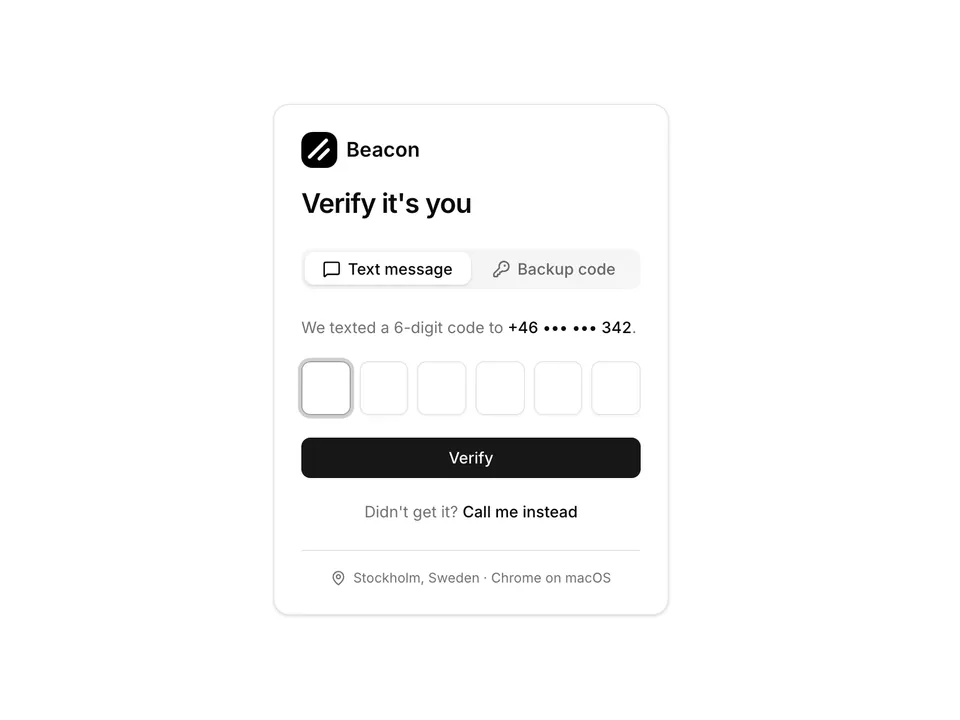
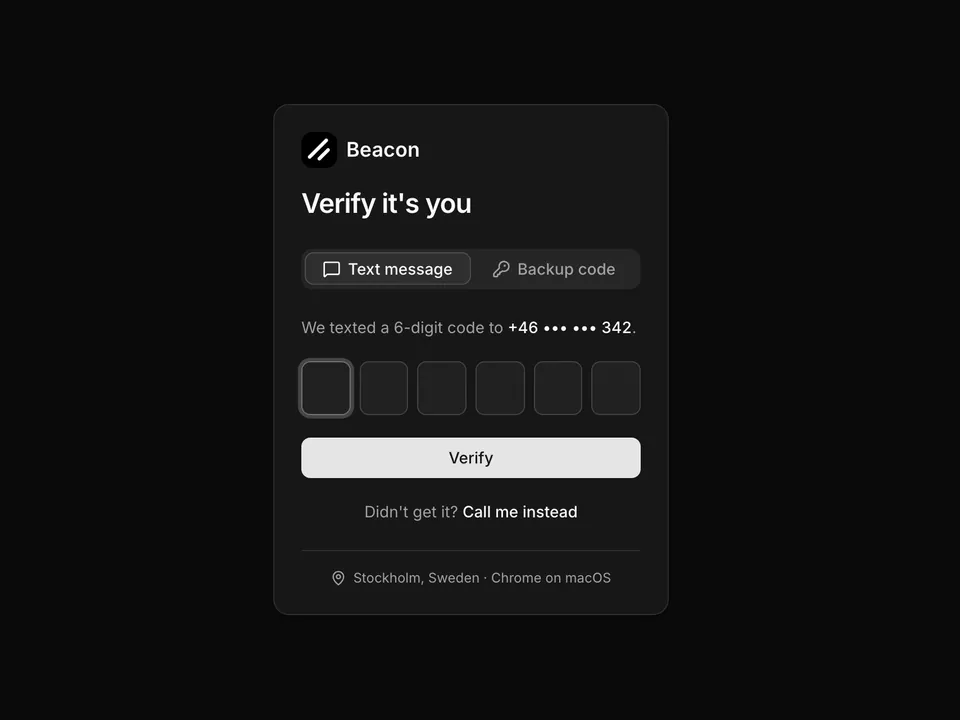
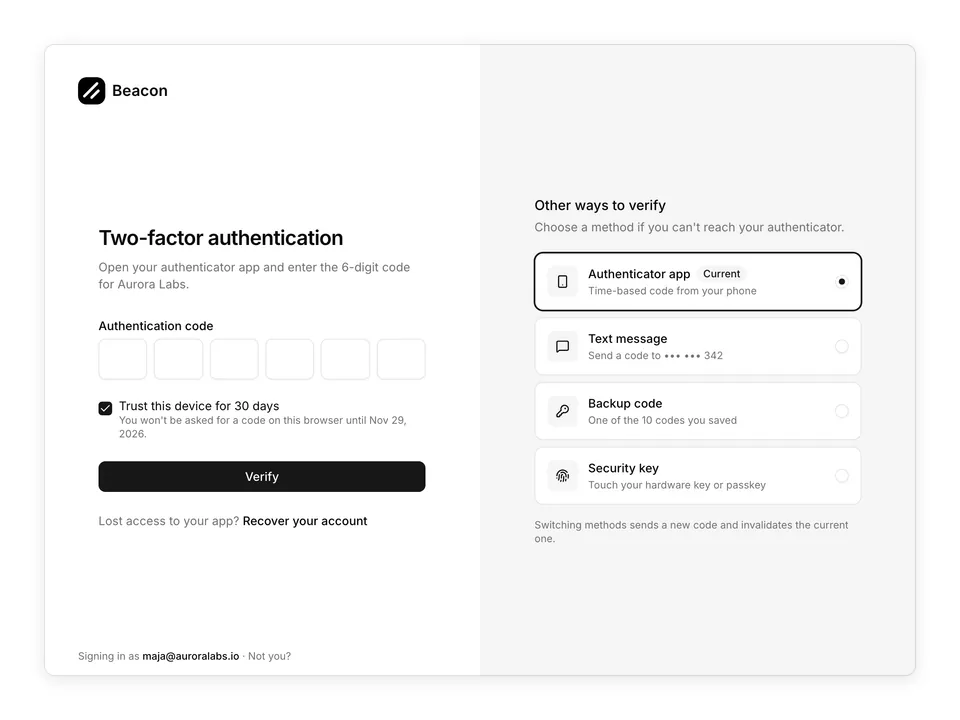
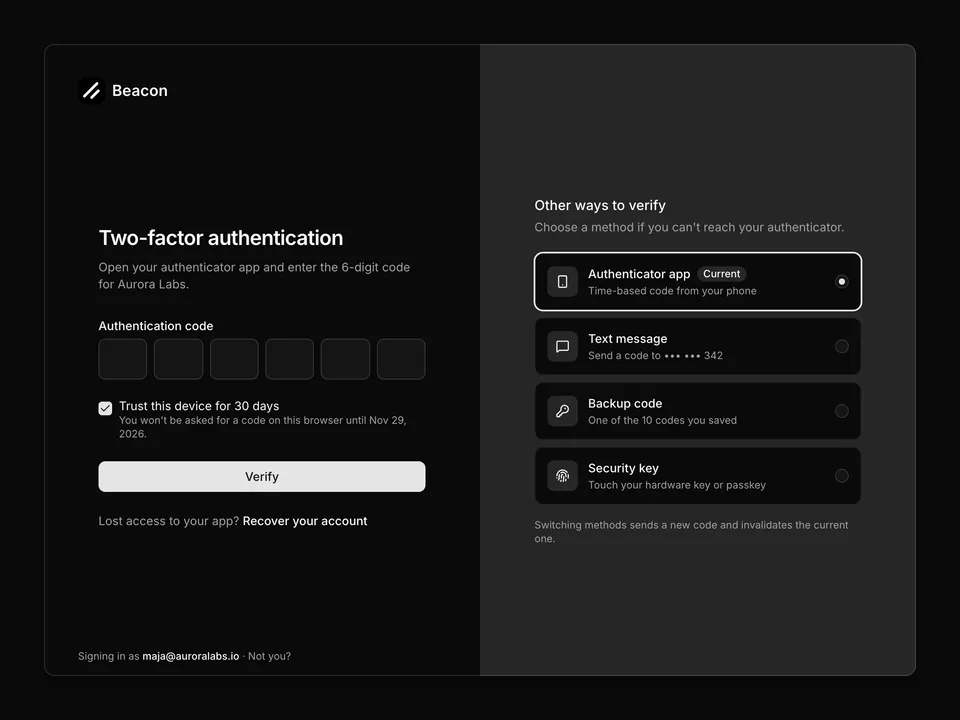
Email verification Card for shadcn/ui: logo, "Check your email" title with the masked recipient, a six-slot InputOTP split 3+3 by an InputOTPSeparator, an expiry hint, a "Verify" submit Button and an outline "Resend code (0:29)" Button that stays disabled until a useEffect countdown reaches zero. A "Use a different method" link sits in the CardFooter. The default magic-code screen for sign-in and sign-up.

Free@shadcnpro/aria/one-time-code-01

Preview

Installation

npx shadcn@latest add @shadcnpro/aria/one-time-code-01

First time? Add the @shadcnpro registry to components.json as shown in Installation. Free blocks install without a license key.

Let your AI editor install it

The shadcn/ui Pro MCP server lets Cursor, Claude Code and VS Code find and install blocks like Centred email code card with resend countdown from one prompt. It is included in every Pro plan.

Add the shadcn/ui components

Centred email code card with resend countdown uses Button, Card, Input OTP and Label, from the React Aria components set up in your components.json.

npx shadcn@latest add button card input-otp label

Copy the code

Paste it into components/blocks/one-time-code-01.tsx.

components/blocks/one-time-code-01.tsx
'use client';

import { useEffect, useState } from 'react';

import { Button } from '@/components/ui/button';
import {
  Card,
  CardContent,
  CardDescription,
  CardFooter,
  CardHeader,
  CardTitle,
} from '@/components/ui/card';
import {
  InputOTP,
  InputOTPGroup,
  InputOTPSeparator,
  InputOTPSlot,
} from '@/components/ui/input-otp';
import { Label } from '@/components/ui/label';

const RESEND_SECONDS = 29;

/**
 * Centred email verification Card: masked recipient, a six-slot InputOTP split 3+3 with a separator, a Verify submit, a disabled resend Button with a live countdown and a link to switch methods.
 */
export default function OneTimeCode01() {
  const [code, setCode] = useState('');
  const [seconds, setSeconds] = useState(RESEND_SECONDS);

  useEffect(() => {
    if (seconds === 0) {
      return;
    }
    const timer = window.setTimeout(() => setSeconds((s) => s - 1), 1000);
    return () => window.clearTimeout(timer);
  }, [seconds]);

  return (
    <div className="w-full max-w-sm px-4 py-8">
      <Card className="w-full">
        <CardHeader className="justify-items-center text-center">
          <a className="mb-2 flex items-center gap-2" href="#">
            <img alt="" className="size-8 rounded-lg object-cover" src="/logo.png" />
            <span className="font-semibold text-foreground text-lg">Beacon</span>
          </a>
          <CardTitle className="font-semibold text-2xl tracking-tight">
            Check your email
          </CardTitle>
          <CardDescription className="text-pretty">
            We sent a 6-digit code to{' '}
            <span className="font-medium text-foreground">m•••@auroralabs.io</span>.
            Enter it below to continue.
          </CardDescription>
        </CardHeader>
        <form onSubmit={(e) => e.preventDefault()}>
          <CardContent className="space-y-6">
            <div className="flex flex-col items-center gap-2">
              <Label className="sr-only" htmlFor="otp01-code">
                Verification code
              </Label>
              <InputOTP
                autoComplete="one-time-code"
                id="otp01-code"
                maxLength={6}
                name="code"
                onChange={setCode}
                value={code}
              >
                <InputOTPGroup>
                  <InputOTPSlot index={0} />
                  <InputOTPSlot index={1} />
                  <InputOTPSlot index={2} />
                </InputOTPGroup>
                <InputOTPSeparator className="text-muted-foreground" />
                <InputOTPGroup>
                  <InputOTPSlot index={3} />
                  <InputOTPSlot index={4} />
                  <InputOTPSlot index={5} />
                </InputOTPGroup>
              </InputOTP>
              <p className="text-muted-foreground text-xs">
                Code expires in <span className="tabular-nums">10 minutes</span>
              </p>
            </div>
            <div className="flex flex-col gap-2">
              <Button className="w-full" type="submit">
                Verify
              </Button>
              <Button
                className="w-full"
                isDisabled={seconds > 0}
                onPress={() => setSeconds(RESEND_SECONDS)}
                type="button"
                variant="outline"
              >
                {seconds > 0 ? (
                  <span>
                    Resend code (
                    <span className="tabular-nums">0:{String(seconds).padStart(2, '0')}</span>)
                  </span>
                ) : (
                  'Resend code'
                )}
              </Button>
            </div>
          </CardContent>
        </form>
        <CardFooter className="justify-center">
          <a className="text-muted-foreground text-sm hover:text-foreground" href="#">
            Use a different method
          </a>
        </CardFooter>
      </Card>
    </div>
  );
}

Use it

Import it where you need it and update the import path to match your project.

Usage
import OneTimeCode01 from '@/components/blocks/one-time-code-01';

export default function Page() {
  return <OneTimeCode01 />;
}

Overview

Centred email code card with resend countdown is a free one-time code block for shadcn/ui and React Aria. It is built from the Button, Card, Input OTP and Label components, and installs as a single file you own and can edit.

It only uses semantic tokens such as bg-background, text-muted-foreground and border-border, so it follows your theme, radius and fonts and switches with dark mode. It is responsive from desktop to mobile; the width controls above the preview show each size. The same layout is in the shadcn/ui Pro Figma kit, so design and code start from one source.

Component library
React Aria (react-aria-components)
Also available for
Radix UI, Base UI
Built with
Button, Card, Input OTP and Label
npm packages
None
Files
components/blocks/one-time-code-01.tsx
Access
Free, installs without a license key

Frequently asked questions

Pricing, installation and React Aria details for Centred email code card with resend countdown.