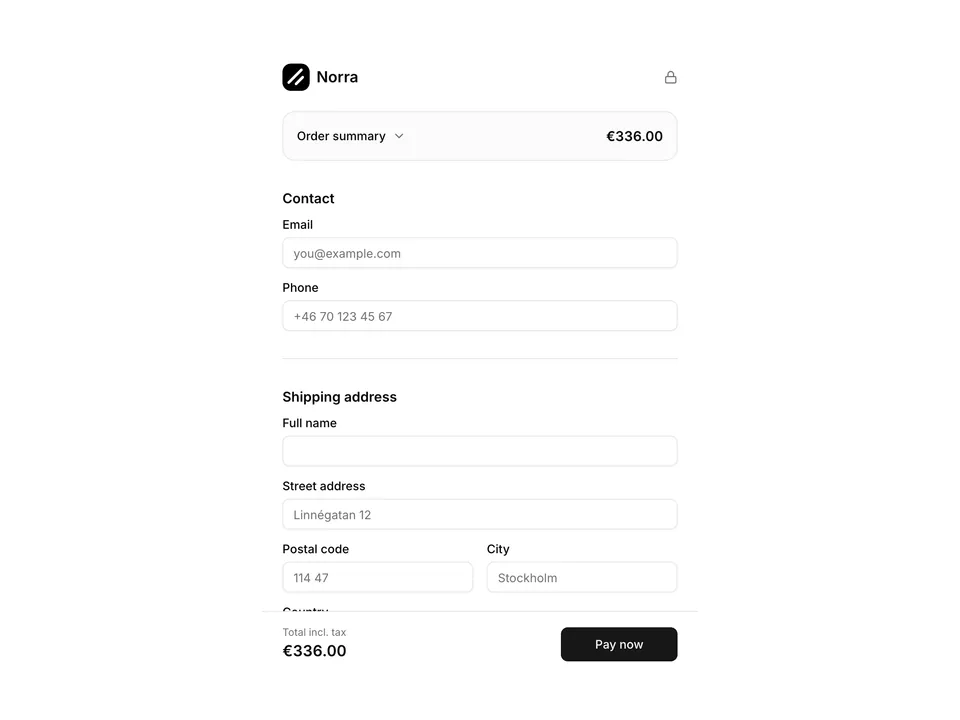
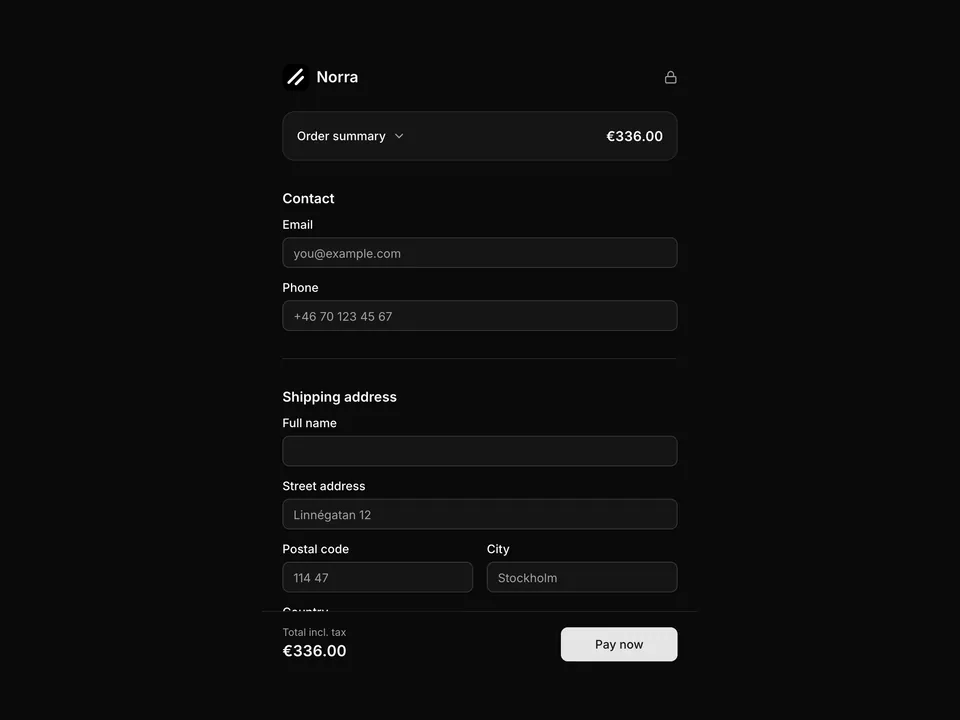
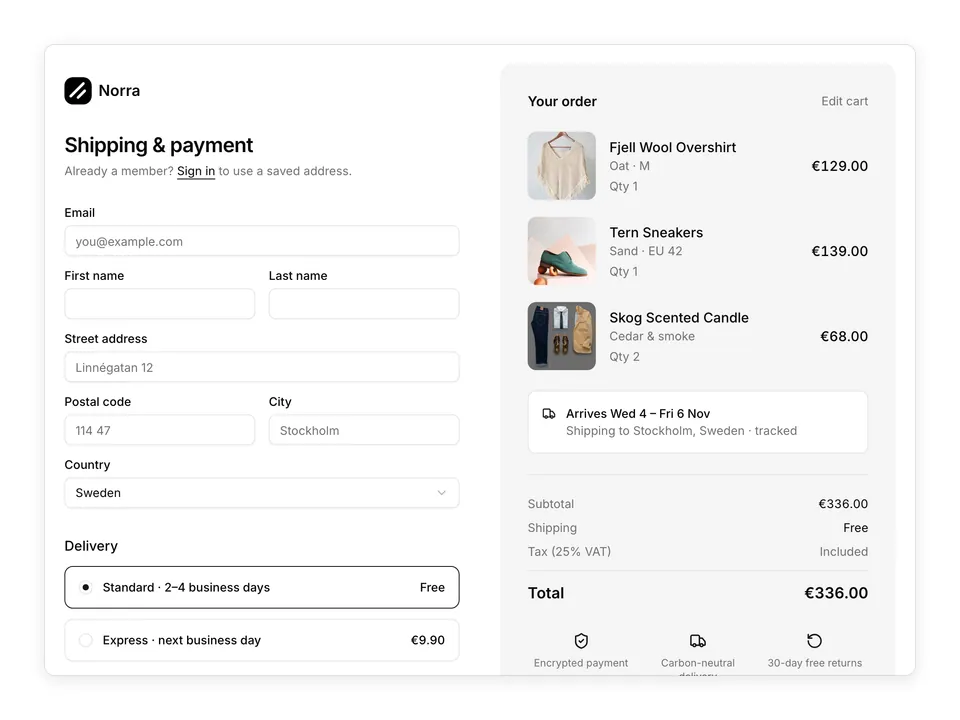
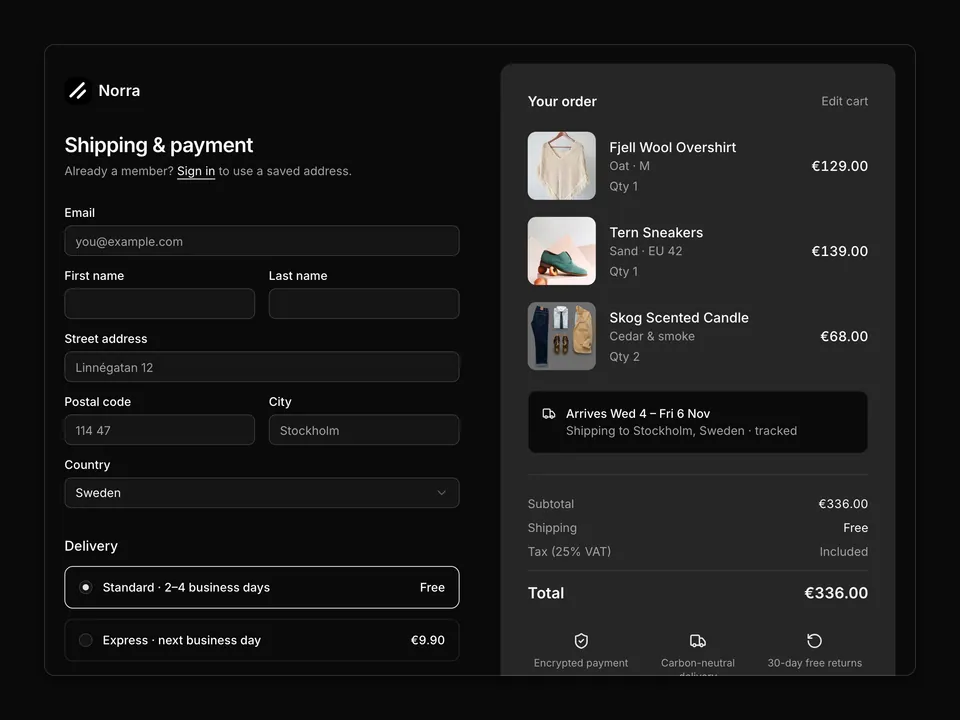
'use client';
import { LockIcon } from 'lucide-react';
import { useState } from 'react';
import { Button } from '@/components/ui/button';
import { Card, CardContent } from '@/components/ui/card';
import { Checkbox } from '@/components/ui/checkbox';
import { Input } from '@/components/ui/input';
import { Label } from '@/components/ui/label';
import { RadioGroup, RadioGroupItem } from '@/components/ui/radio-group';
import {
Select,
SelectContent,
SelectItem,
SelectTrigger,
SelectValue,
} from '@/components/ui/select';
import { Separator } from '@/components/ui/separator';
const items = [
{
name: 'Fjell Wool Overshirt',
variant: 'Oat · M',
price: 129,
qty: 1,
photo: '1594938298603-c8148c4dae35',
},
{
name: 'Tern Sneakers',
variant: 'Sand · EU 42',
price: 139,
qty: 1,
photo: '1491553895911-0055eca6402d',
},
{
name: 'Skog Scented Candle',
variant: 'Cedar & smoke',
price: 34,
qty: 2,
photo: '1593030761757-71fae45fa0e7',
},
];
const subtotal = items.reduce((sum, item) => sum + item.price * item.qty, 0);
const eur = (value: number) => `€${value.toFixed(2)}`;
/**
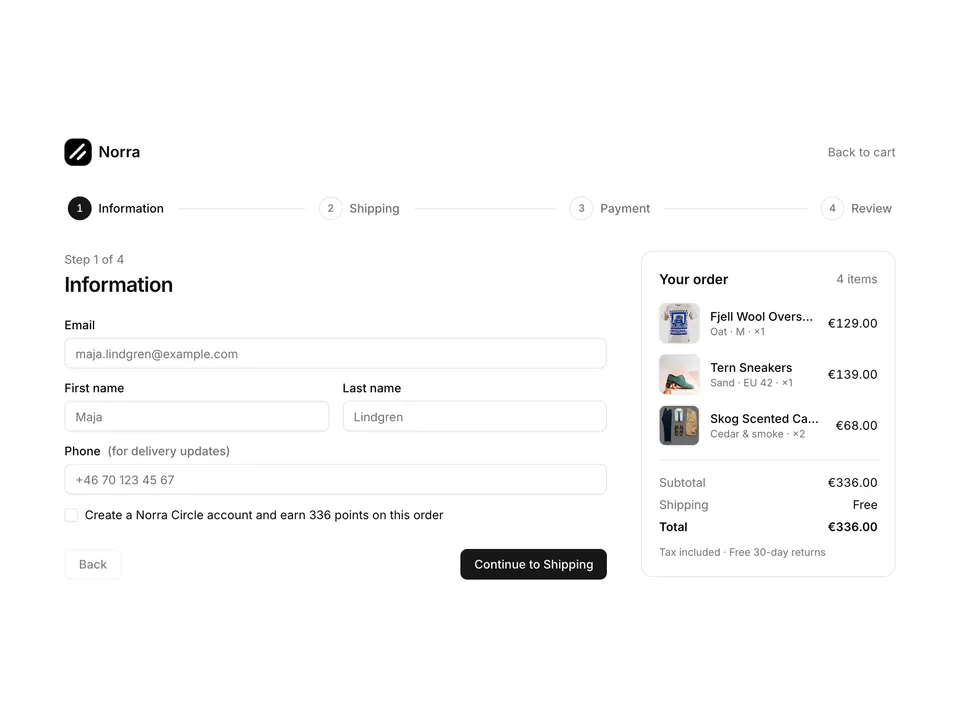
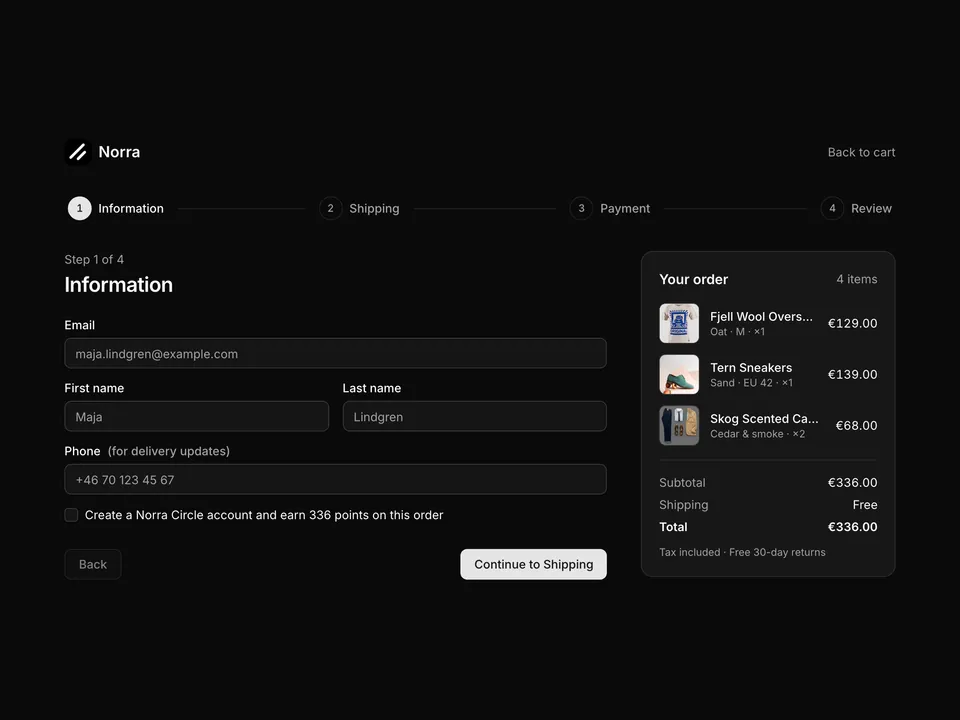
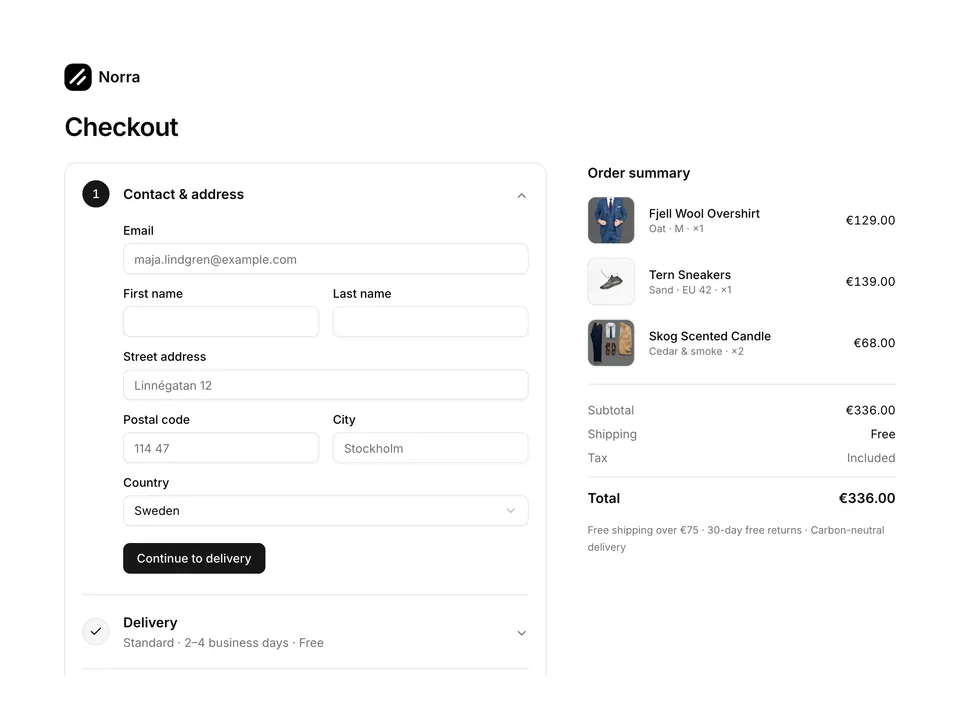
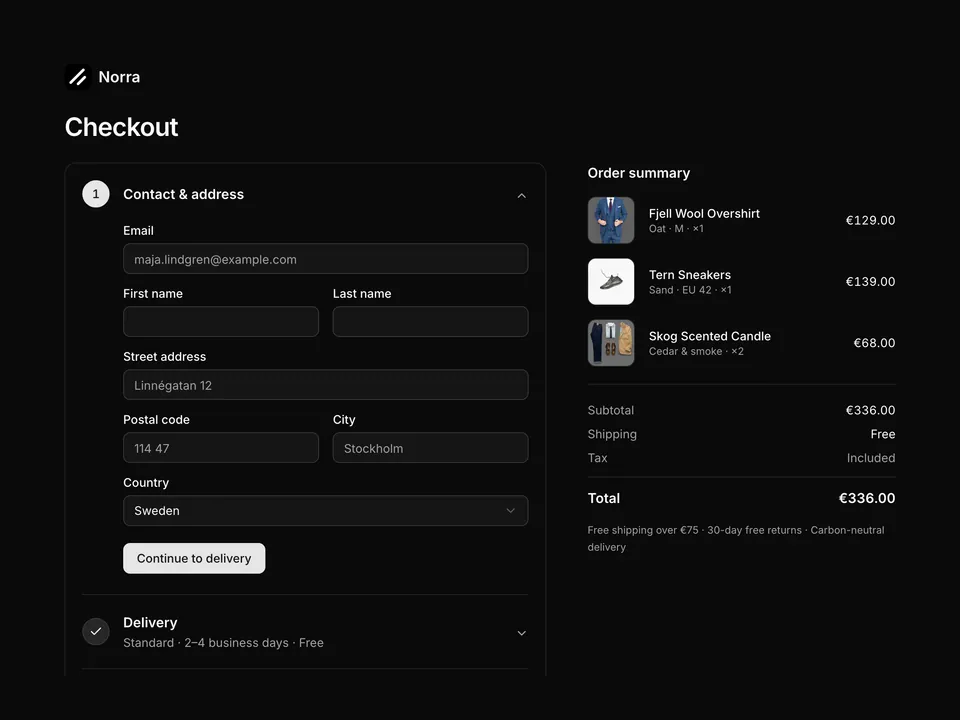
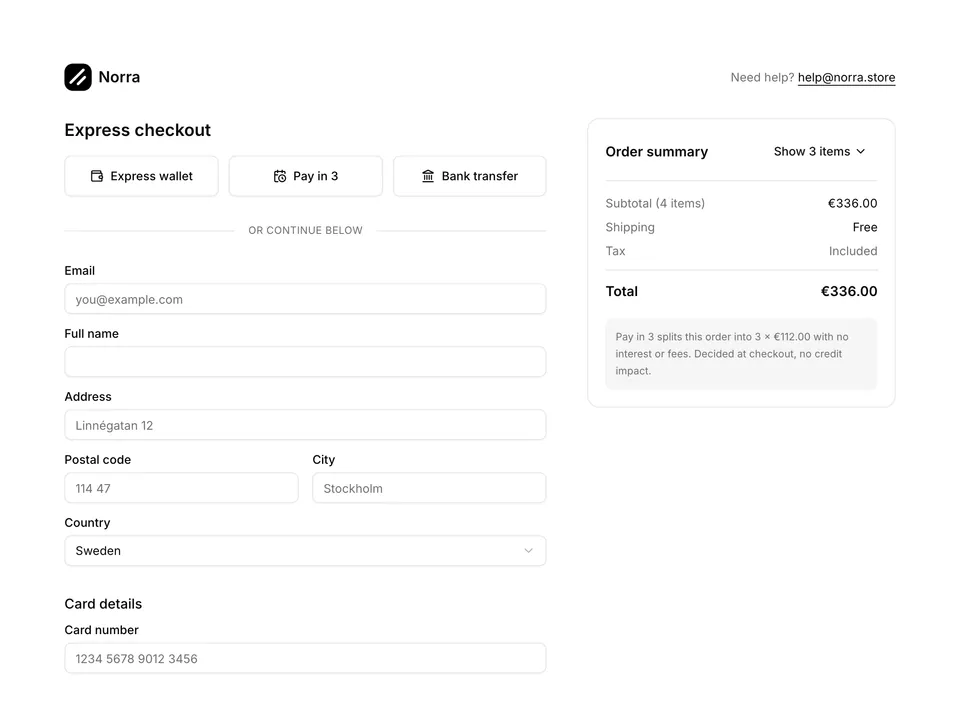
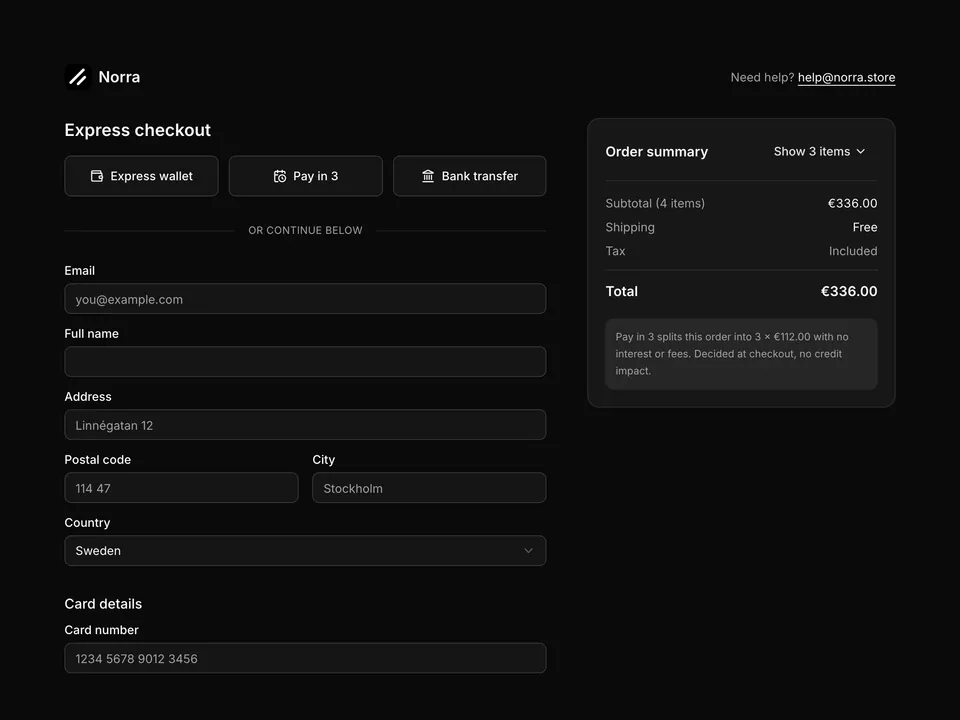
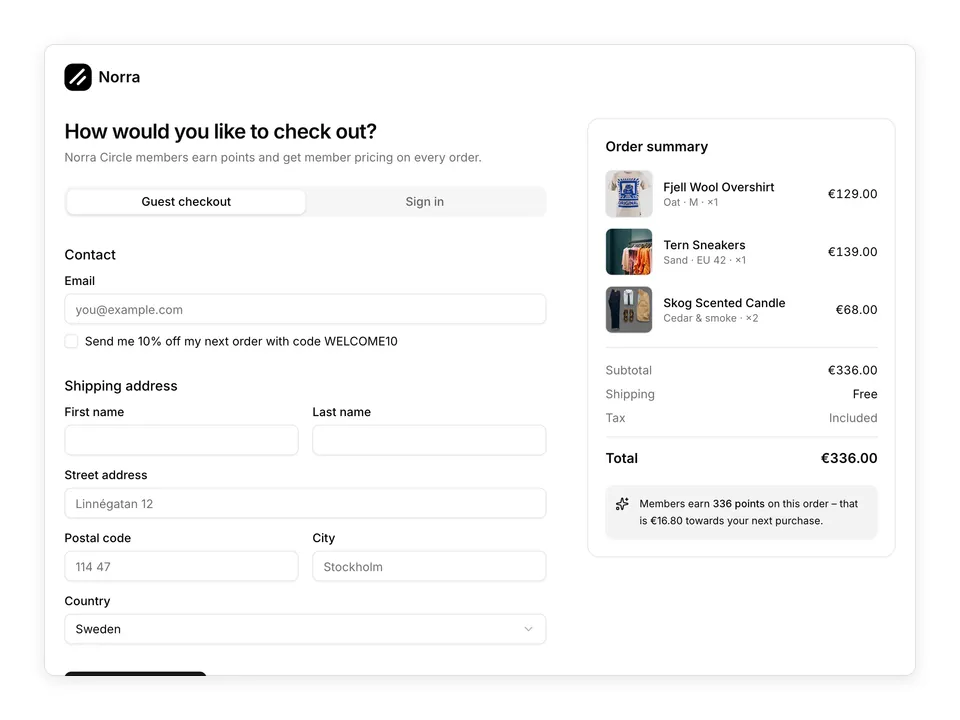
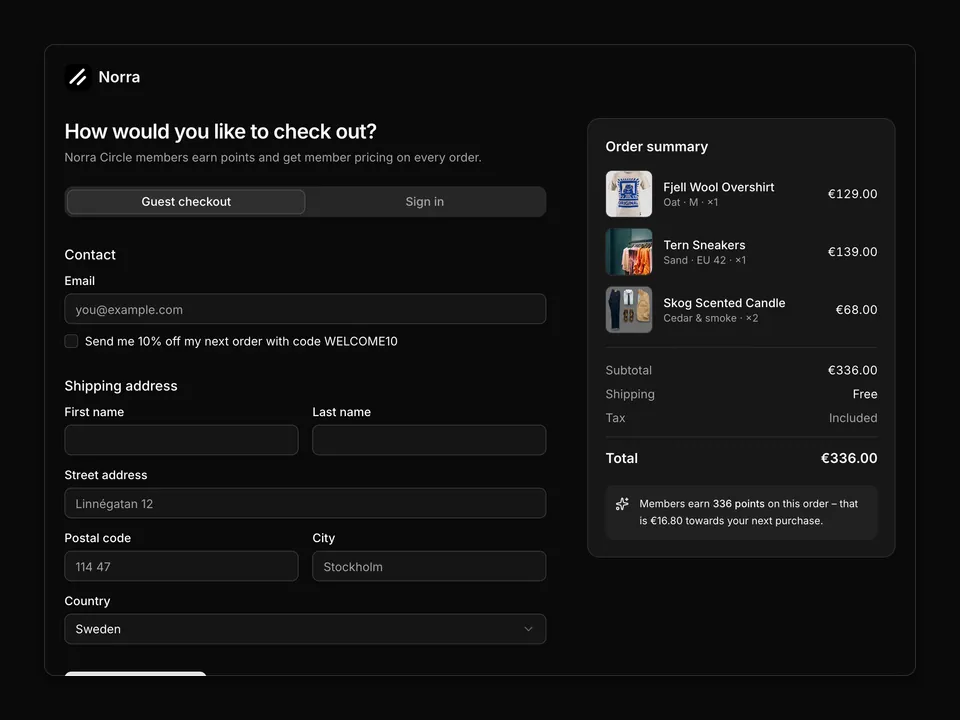
* Classic two-column single-page checkout: contact, shipping address grid, delivery and payment RadioGroups on the left, sticky order summary Card with promo code and totals on the right.
*/
export default function Checkout01() {
const [delivery, setDelivery] = useState('standard');
const [payment, setPayment] = useState('card');
const shipping = delivery === 'express' ? 9.9 : 0;
const total = subtotal + shipping;
return (
<section className="w-full py-8 sm:py-12">
<div className="mx-auto w-full max-w-6xl px-6">
<div className="flex items-center justify-between">
<a className="flex items-center gap-2" href="#">
<img alt="" className="size-8 rounded-lg object-cover" src="/logo.png" />
<span className="font-semibold text-foreground text-lg">Norra</span>
</a>
<p className="flex items-center gap-1.5 text-muted-foreground text-sm">
<LockIcon aria-hidden="true" className="size-4" />
Secure checkout
</p>
</div>
<form
className="mt-8 grid grid-cols-1 gap-10 md:grid-cols-5 md:gap-12"
onSubmit={(e) => e.preventDefault()}
>
<div className="space-y-10 md:col-span-3">
<div>
<h2 className="font-semibold text-foreground text-xl">Contact</h2>
<div className="mt-4 grid gap-2">
<Label htmlFor="checkout01-email">Email</Label>
<Input
autoComplete="email"
id="checkout01-email"
name="email"
placeholder="you@example.com"
required
type="email"
/>
</div>
<div className="mt-3 flex items-center gap-2">
<Checkbox defaultSelected id="checkout01-news" name="newsletter" />
<Label className="font-normal" htmlFor="checkout01-news">
Email me about new arrivals and Norra Circle offers
</Label>
</div>
</div>
<div>
<h2 className="font-semibold text-foreground text-xl">
Shipping address
</h2>
<div className="mt-4 grid gap-4 sm:grid-cols-2">
<div className="grid gap-2">
<Label htmlFor="checkout01-first">First name</Label>
<Input
autoComplete="given-name"
id="checkout01-first"
name="firstName"
required
/>
</div>
<div className="grid gap-2">
<Label htmlFor="checkout01-last">Last name</Label>
<Input
autoComplete="family-name"
id="checkout01-last"
name="lastName"
required
/>
</div>
<div className="grid gap-2 sm:col-span-2">
<Label htmlFor="checkout01-address">Street address</Label>
<Input
autoComplete="address-line1"
id="checkout01-address"
name="address"
placeholder="Linnégatan 12"
required
/>
</div>
<div className="grid gap-2 sm:col-span-2">
<Label htmlFor="checkout01-address2">
Apartment, floor, c/o{' '}
<span className="text-muted-foreground">(optional)</span>
</Label>
<Input
autoComplete="address-line2"
id="checkout01-address2"
name="address2"
/>
</div>
<div className="grid gap-2">
<Label htmlFor="checkout01-postal">Postal code</Label>
<Input
autoComplete="postal-code"
id="checkout01-postal"
name="postalCode"
placeholder="114 47"
required
/>
</div>
<div className="grid gap-2">
<Label htmlFor="checkout01-city">City</Label>
<Input
autoComplete="address-level2"
id="checkout01-city"
name="city"
placeholder="Stockholm"
required
/>
</div>
<div className="grid gap-2">
<Label htmlFor="checkout01-country">Country</Label>
<Select
aria-label="Country"
className="w-full"
defaultValue="se"
name="country"
placeholder="Select country"
>
<SelectTrigger className="w-full" id="checkout01-country">
<SelectValue />
</SelectTrigger>
<SelectContent>
<SelectItem id="se">Sweden</SelectItem>
<SelectItem id="no">Norway</SelectItem>
<SelectItem id="dk">Denmark</SelectItem>
<SelectItem id="fi">Finland</SelectItem>
<SelectItem id="de">Germany</SelectItem>
<SelectItem id="nl">Netherlands</SelectItem>
</SelectContent>
</Select>
</div>
<div className="grid gap-2">
<Label htmlFor="checkout01-phone">Phone</Label>
<Input
autoComplete="tel"
id="checkout01-phone"
name="phone"
placeholder="+46 70 123 45 67"
type="tel"
/>
</div>
</div>
</div>
<div>
<h2 className="font-semibold text-foreground text-xl">Delivery</h2>
<RadioGroup
aria-label="Delivery"
className="mt-4 gap-3"
name="delivery"
onChange={setDelivery}
value={delivery}
>
<Label
className="flex cursor-pointer items-start gap-3 rounded-lg border p-4 has-[[data-selected]]:border-primary"
htmlFor="checkout01-standard"
>
<RadioGroupItem
className="mt-0.5"
id="checkout01-standard"
value="standard"
/>
<span className="flex flex-1 flex-col gap-0.5">
<span className="font-medium text-foreground">Standard</span>
<span className="font-normal text-muted-foreground text-sm">
2–4 business days · carbon-neutral
</span>
</span>
<span className="font-medium text-foreground tabular-nums">
Free
</span>
</Label>
<Label
className="flex cursor-pointer items-start gap-3 rounded-lg border p-4 has-[[data-selected]]:border-primary"
htmlFor="checkout01-express"
>
<RadioGroupItem
className="mt-0.5"
id="checkout01-express"
value="express"
/>
<span className="flex flex-1 flex-col gap-0.5">
<span className="font-medium text-foreground">Express</span>
<span className="font-normal text-muted-foreground text-sm">
Next business day if ordered before 14:00
</span>
</span>
<span className="font-medium text-foreground tabular-nums">
€9.90
</span>
</Label>
</RadioGroup>
</div>
<div>
<h2 className="font-semibold text-foreground text-xl">Payment</h2>
<p className="mt-1 text-muted-foreground text-sm">
All transactions are encrypted and never stored on our servers.
</p>
<RadioGroup
aria-label="Payment"
className="mt-4 gap-0 overflow-hidden rounded-lg border"
name="payment"
onChange={setPayment}
value={payment}
>
<div className="border-b">
<Label
className="flex cursor-pointer items-center gap-3 p-4"
htmlFor="checkout01-card"
>
<RadioGroupItem id="checkout01-card" value="card" />
<span className="flex-1 font-medium text-foreground">
Credit or debit card
</span>
<span className="text-muted-foreground text-xs">
Visa · Mastercard · Amex
</span>
</Label>
{payment === 'card' ? (
<div className="grid gap-4 bg-muted/40 p-4 sm:grid-cols-2">
<div className="grid gap-2 sm:col-span-2">
<Label htmlFor="checkout01-cardnumber">Card number</Label>
<Input
autoComplete="cc-number"
id="checkout01-cardnumber"
inputMode="numeric"
name="cardNumber"
placeholder="1234 5678 9012 3456"
required
/>
</div>
<div className="grid gap-2">
<Label htmlFor="checkout01-exp">Expiry</Label>
<Input
autoComplete="cc-exp"
id="checkout01-exp"
name="cardExpiry"
placeholder="MM / YY"
required
/>
</div>
<div className="grid gap-2">
<Label htmlFor="checkout01-cvc">Security code</Label>
<Input
autoComplete="cc-csc"
id="checkout01-cvc"
inputMode="numeric"
name="cardCvc"
placeholder="CVC"
required
/>
</div>
<div className="grid gap-2 sm:col-span-2">
<Label htmlFor="checkout01-cardname">Name on card</Label>
<Input
autoComplete="cc-name"
id="checkout01-cardname"
name="cardName"
required
/>
</div>
</div>
) : null}
</div>
<Label
className="flex cursor-pointer items-center gap-3 border-b p-4"
htmlFor="checkout01-payin3"
>
<RadioGroupItem id="checkout01-payin3" value="payin3" />
<span className="flex-1 font-medium text-foreground">
Pay in 3 interest-free instalments
</span>
<span className="text-muted-foreground text-xs tabular-nums">
3 × {eur(total / 3)}
</span>
</Label>
<Label
className="flex cursor-pointer items-center gap-3 p-4"
htmlFor="checkout01-bank"
>
<RadioGroupItem id="checkout01-bank" value="bank" />
<span className="flex-1 font-medium text-foreground">
Bank transfer
</span>
<span className="text-muted-foreground text-xs">
Ships once payment clears
</span>
</Label>
</RadioGroup>
</div>
</div>
<aside className="md:col-span-2">
<Card className="py-0 shadow-none md:sticky md:top-6">
<CardContent className="p-6">
<h2 className="font-semibold text-foreground text-lg">
Order summary
</h2>
<ul className="mt-5 space-y-4">
{items.map((item) => (
<li className="flex items-center gap-4" key={item.name}>
<div className="relative shrink-0">
<img
alt={item.name}
className="size-16 rounded-lg border object-cover"
loading="lazy"
src={`https://images.unsplash.com/photo-${item.photo}?auto=format&fit=crop&w=200&q=80`}
/>
<span className="-top-2 -right-2 absolute flex size-5 items-center justify-center rounded-full bg-foreground font-medium text-background text-xs tabular-nums">
{item.qty}
</span>
</div>
<div className="min-w-0 flex-1">
<p className="truncate font-medium text-foreground text-sm">
{item.name}
</p>
<p className="text-muted-foreground text-xs">
{item.variant}
</p>
</div>
<p className="font-medium text-foreground text-sm tabular-nums">
{eur(item.price * item.qty)}
</p>
</li>
))}
</ul>
<Separator className="my-5" />
<div className="flex gap-2">
<div className="grid flex-1 gap-2">
<Label className="sr-only" htmlFor="checkout01-promo">
Promo code
</Label>
<Input
autoComplete="off"
id="checkout01-promo"
name="promo"
placeholder="Promo code"
/>
</div>
<Button type="button" variant="secondary">
Apply
</Button>
</div>
<Separator className="my-5" />
<dl className="space-y-2 text-sm">
<div className="flex justify-between">
<dt className="text-muted-foreground">Subtotal</dt>
<dd className="text-foreground tabular-nums">
{eur(subtotal)}
</dd>
</div>
<div className="flex justify-between">
<dt className="text-muted-foreground">Shipping</dt>
<dd className="text-foreground tabular-nums">
{shipping === 0 ? 'Free' : eur(shipping)}
</dd>
</div>
<div className="flex justify-between">
<dt className="text-muted-foreground">Tax</dt>
<dd className="text-muted-foreground">Included</dd>
</div>
<Separator className="my-3" />
<div className="flex justify-between font-semibold text-base">
<dt className="text-foreground">Total</dt>
<dd className="text-foreground tabular-nums">{eur(total)}</dd>
</div>
</dl>
<Button className="mt-6 w-full" size="lg" type="submit">
Pay {eur(total)}
</Button>
<p className="mt-3 text-center text-muted-foreground text-xs">
30-day free returns · 2-year warranty on tech
</p>
</CardContent>
</Card>
</aside>
</form>
</div>
</section>
);
}