'use client';

import {
  CheckIcon,
  CopyIcon,
  ExternalLinkIcon,
  MapPinIcon,
  TruckIcon,
} from 'lucide-react';
import { useState } from 'react';

import { Badge } from '@/components/ui/badge';
import { Button, LinkButton } from '@/components/ui/button';
import {
  Card,
  CardContent,
  CardHeader,
  CardTitle,
} from '@/components/ui/card';
import { Tooltip, TooltipTrigger } from '@/components/ui/tooltip';
import { cn } from '@/lib/utils';

const steps = [
  { label: 'Ordered', date: 'Oct 27', state: 'done' },
  { label: 'Packed', date: 'Oct 28', state: 'done' },
  { label: 'In transit', date: 'Oct 29', state: 'current' },
  { label: 'Out for delivery', date: '—', state: 'todo' },
  { label: 'Delivered', date: 'Est. Nov 1', state: 'todo' },
] as const;

const items = [
  {
    name: 'Tern Sneakers',
    variant: 'Sand · EU 38',
    qty: 1,
    price: '€139.00',
    photo: '1491553895911-0055eca6402d',
  },
  {
    name: 'Fjell Wool Overshirt',
    variant: 'Moss · S',
    qty: 1,
    price: '€129.00',
    photo: '1523381210434-271e8be1f52b',
  },
];

const trackingNumber = 'NP-8841-2203-SE';

/**
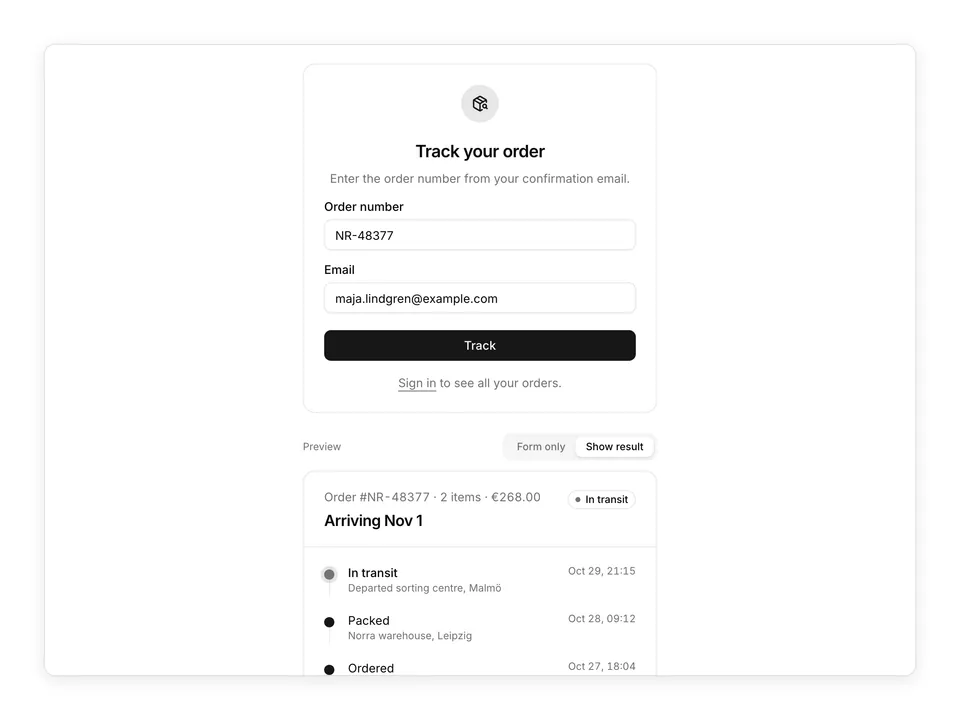
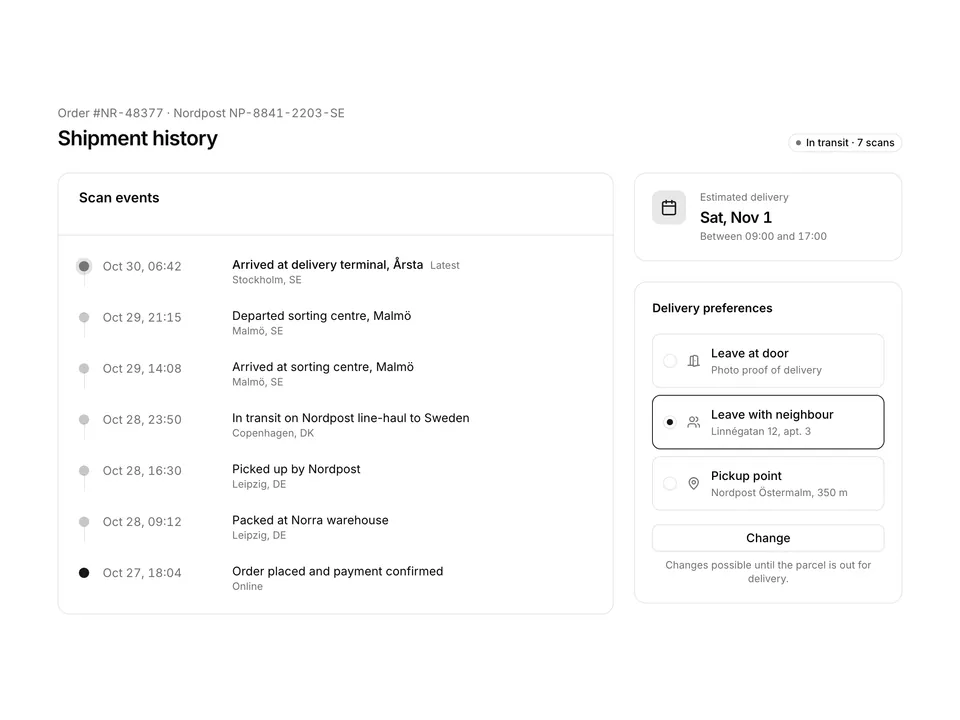
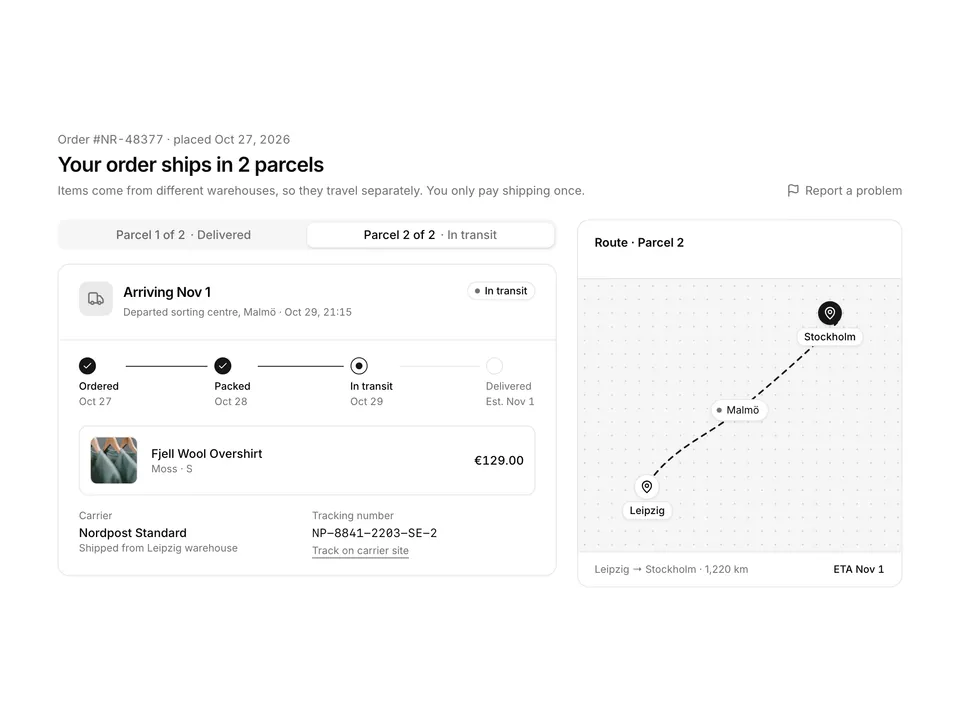
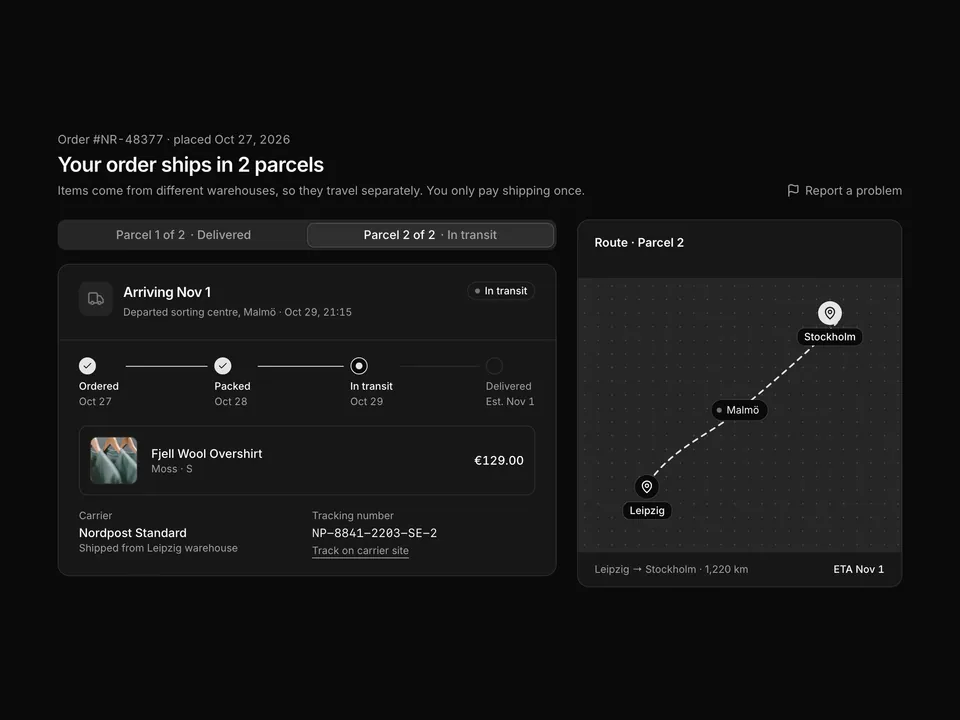
 * Order tracking page built with shadcn/ui: header with order number and an Arriving Nov 1 headline, a five-step horizontal stepper with a pulsing current step, a carrier Card with tracking number, Copy Button with Tooltip and a carrier link, an item list and a delivery address Card.
 */
export default function OrderTracking01() {
  const [copied, setCopied] = useState(false);

  const copy = async () => {
    try {
      await navigator.clipboard?.writeText(trackingNumber);
    } catch {
      // Clipboard is unavailable in some embedded previews.
    }
    setCopied(true);
    window.setTimeout(() => setCopied(false), 1800);
  };

  return (
    <div className="w-full max-w-4xl px-4 py-8">
      <div className="flex flex-wrap items-start justify-between gap-4">
        <div>
          <p className="text-muted-foreground text-sm tabular-nums">
            Order #NR-48377 · placed Oct 27, 2026
          </p>
          <h1 className="mt-1 font-semibold text-2xl text-foreground tracking-tight">
            Arriving Nov 1
          </h1>
          <p className="mt-1 text-muted-foreground text-sm">
            Your parcel left the Malmö sorting centre last night and is on
            its way to Stockholm.
          </p>
        </div>
        <Badge className="gap-1.5" variant="outline">
          <span
            aria-hidden="true"
            className="size-1.5 animate-pulse rounded-full bg-chart-2"
          />
          In transit
        </Badge>
      </div>

      <ol className="mt-6 flex items-start rounded-xl border p-4 sm:p-5">
        {steps.map((step, index) => {
          const done = step.state === 'done';
          const current = step.state === 'current';
          return (
            <li
              className={cn(
                'flex items-start',
                index < steps.length - 1 && 'flex-1'
              )}
              key={step.label}
            >
              <div className="flex flex-col items-center gap-2 sm:items-start">
                <span
                  aria-current={current ? 'step' : undefined}
                  className={cn(
                    'flex size-6 items-center justify-center rounded-full border',
                    done && 'border-primary bg-primary text-primary-foreground',
                    current && 'border-primary bg-background',
                    step.state === 'todo' && 'border-border bg-background'
                  )}
                >
                  {done ? (
                    <CheckIcon aria-hidden="true" className="size-3.5" />
                  ) : current ? (
                    <span className="size-2.5 animate-pulse rounded-full bg-primary" />
                  ) : null}
                </span>
                <span className="text-center sm:text-left">
                  <span
                    className={cn(
                      'block text-xs sm:text-sm',
                      step.state === 'todo'
                        ? 'text-muted-foreground'
                        : 'font-medium text-foreground'
                    )}
                  >
                    {step.label}
                  </span>
                  <span className="block text-muted-foreground text-xs tabular-nums">
                    {step.date}
                  </span>
                </span>
              </div>
              {index < steps.length - 1 ? (
                <span
                  aria-hidden="true"
                  className={cn(
                    'mx-2 mt-3 h-px flex-1 sm:mx-3',
                    done ? 'bg-primary' : 'bg-border'
                  )}
                />
              ) : null}
            </li>
          );
        })}
      </ol>

      <div className="mt-6 grid gap-6 md:grid-cols-3">
        <Card className="gap-0 self-start py-0 shadow-none md:col-span-2">
          <CardHeader className="flex flex-row items-center justify-between border-b px-6 py-4">
            <CardTitle className="text-base">2 items</CardTitle>
            <p className="text-muted-foreground text-sm tabular-nums">
              Total €268.00
            </p>
          </CardHeader>
          <CardContent className="px-0">
            <ul className="divide-y">
              {items.map((item) => (
                <li className="flex items-center gap-4 px-6 py-4" key={item.name}>
                  <img
                    alt={item.name}
                    className="size-16 shrink-0 rounded-md border object-cover"
                    loading="lazy"
                    src={`https://images.unsplash.com/photo-${item.photo}?auto=format&fit=crop&w=200&q=80`}
                  />
                  <div className="min-w-0 flex-1">
                    <p className="font-medium text-foreground text-sm">
                      {item.name}
                    </p>
                    <p className="text-muted-foreground text-xs">
                      {item.variant} · Qty {item.qty}
                    </p>
                  </div>
                  <p className="font-medium text-foreground text-sm tabular-nums">
                    {item.price}
                  </p>
                </li>
              ))}
            </ul>
          </CardContent>
          <div className="flex flex-wrap items-center justify-between gap-2 border-t px-6 py-3 text-xs">
            <p className="text-muted-foreground">
              Delivery updates are sent to maja.lindgren@example.com
            </p>
            <a
              className="font-medium text-foreground underline-offset-4 hover:underline"
              href="#"
            >
              Report a problem
            </a>
          </div>
        </Card>

        <div className="flex flex-col gap-6">
          <Card className="gap-0 py-0 shadow-none">
            <CardHeader className="px-5 pt-5 pb-3">
              <CardTitle className="flex items-center gap-2 text-sm">
                <TruckIcon
                  aria-hidden="true"
                  className="size-4 text-muted-foreground"
                />
                Carrier
              </CardTitle>
            </CardHeader>
            <CardContent className="px-5 pb-5">
              <p className="font-medium text-foreground text-sm">Nordpost</p>
              <p className="text-muted-foreground text-xs">
                Standard · 2–4 business days
              </p>
              <div className="mt-3 flex items-center justify-between gap-2 rounded-md border bg-muted/40 py-1.5 pr-1.5 pl-3">
                <code className="font-mono text-foreground text-xs tabular-nums">
                  {trackingNumber}
                </code>
                <TooltipTrigger>
                  <Button
                    aria-label="Copy tracking number"
                    onPress={copy}
                    size="icon-xs"
                    type="button"
                    variant="ghost"
                  >
                    {copied ? (
                      <CheckIcon aria-hidden="true" />
                    ) : (
                      <CopyIcon aria-hidden="true" />
                    )}
                  </Button>
                  <Tooltip>{copied ? 'Copied' : 'Copy'}</Tooltip>
                </TooltipTrigger>
              </div>
              <LinkButton
                className="mt-3 w-full"
                href="#"
                size="sm"
                variant="outline"
              >
                Track on carrier site
                <ExternalLinkIcon aria-hidden="true" />
              </LinkButton>
            </CardContent>
          </Card>

          <Card className="gap-0 py-0 shadow-none">
            <CardHeader className="px-5 pt-5 pb-3">
              <CardTitle className="flex items-center gap-2 text-sm">
                <MapPinIcon
                  aria-hidden="true"
                  className="size-4 text-muted-foreground"
                />
                Delivery address
              </CardTitle>
            </CardHeader>
            <CardContent className="px-5 pb-5 text-sm">
              <p className="font-medium text-foreground">Maja Lindgren</p>
              <p className="text-muted-foreground">
                Linnégatan 12
                <br />
                114 47 Stockholm
                <br />
                Sweden
              </p>
              <p className="mt-3 text-muted-foreground text-xs">
                Leave with neighbour if not home ·{' '}
                <a className="underline underline-offset-4" href="#">
                  Change
                </a>
              </p>
            </CardContent>
          </Card>
        </div>
      </div>
    </div>
  );
}