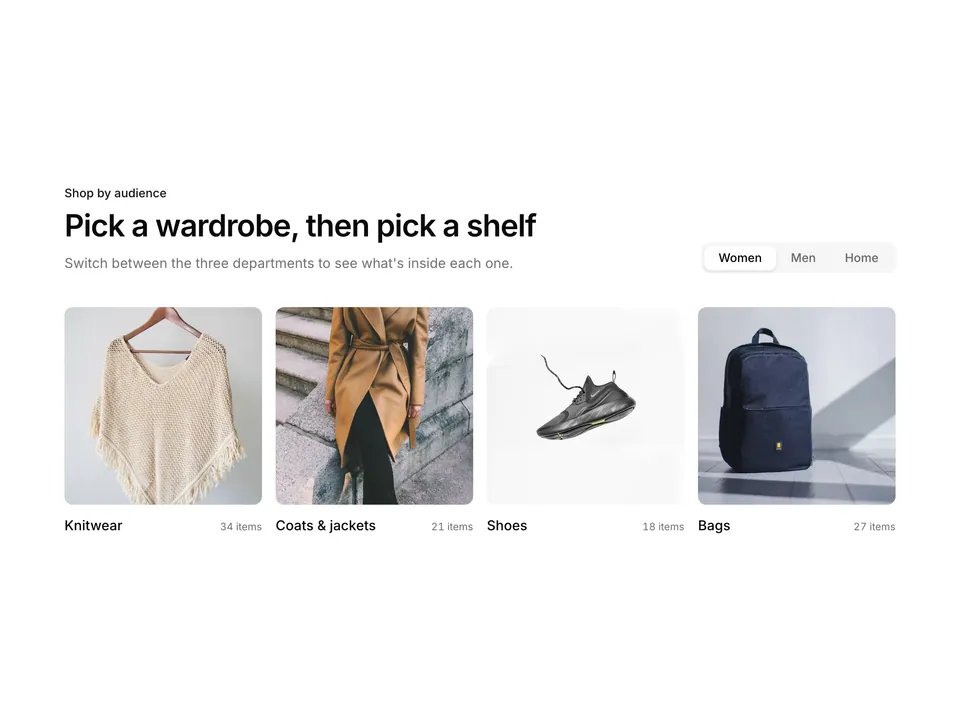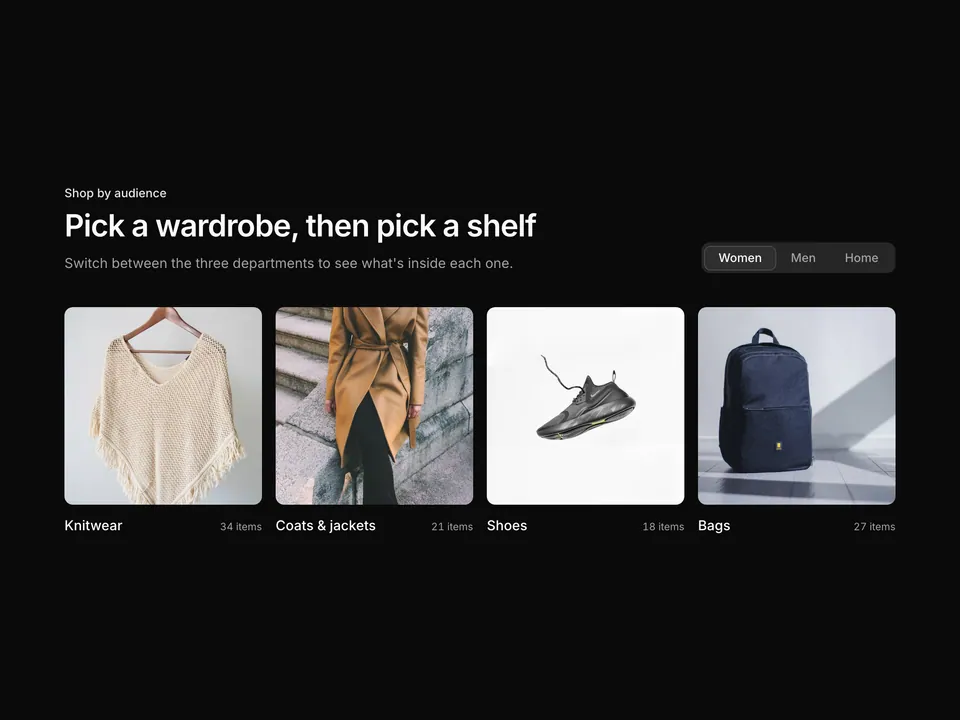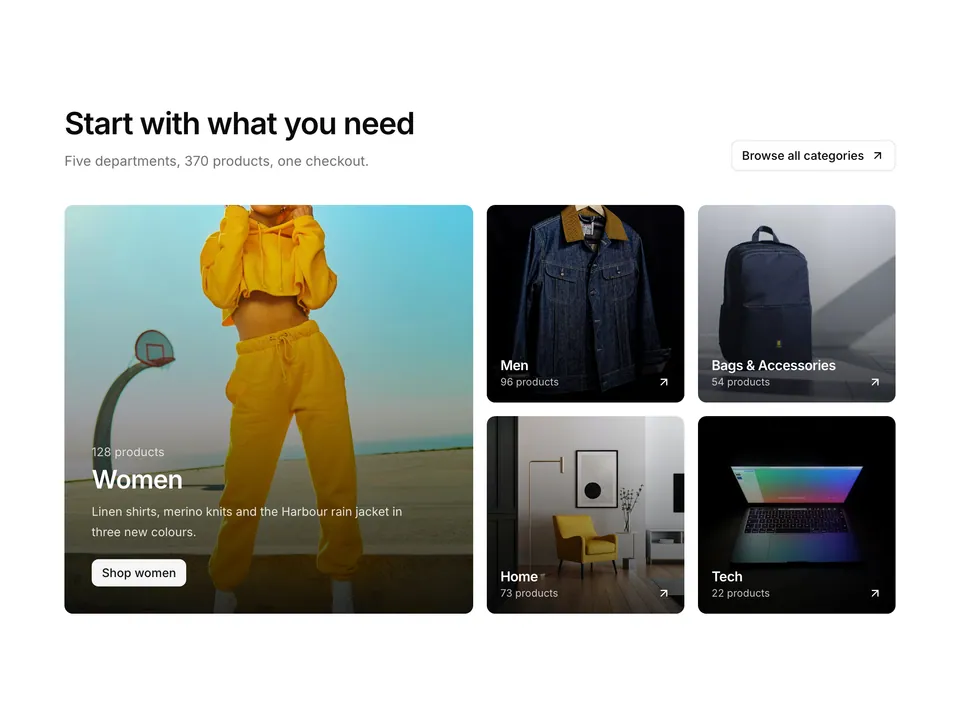
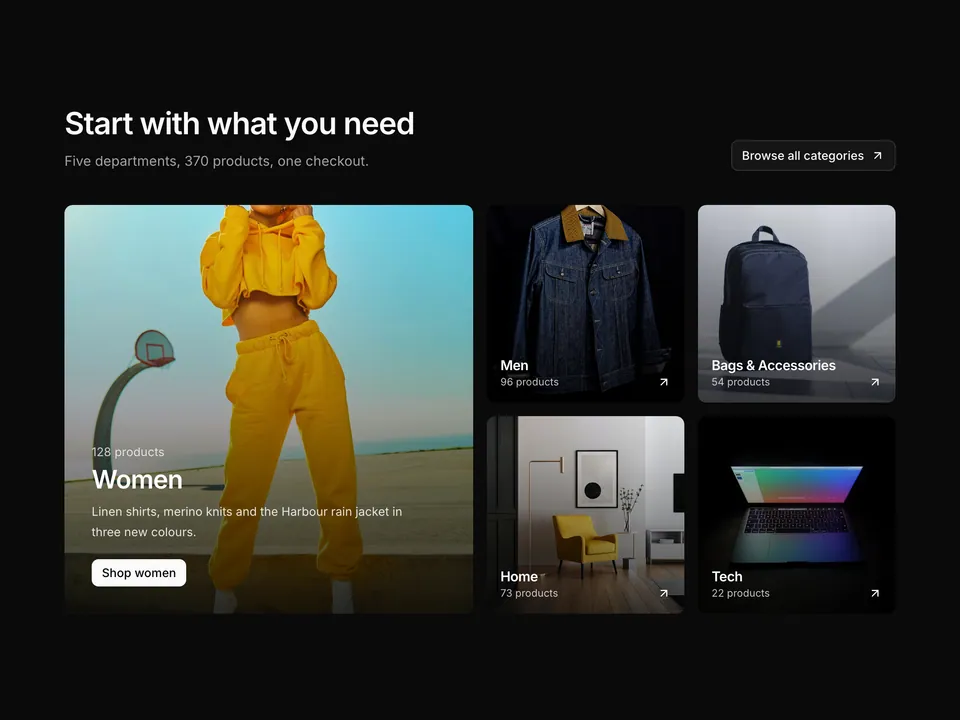
BlocksProduct CategoryFour tall category tiles with gradient captions

shadcn/ui Product Category block for React AriaFour tall category tiles with gradient captions

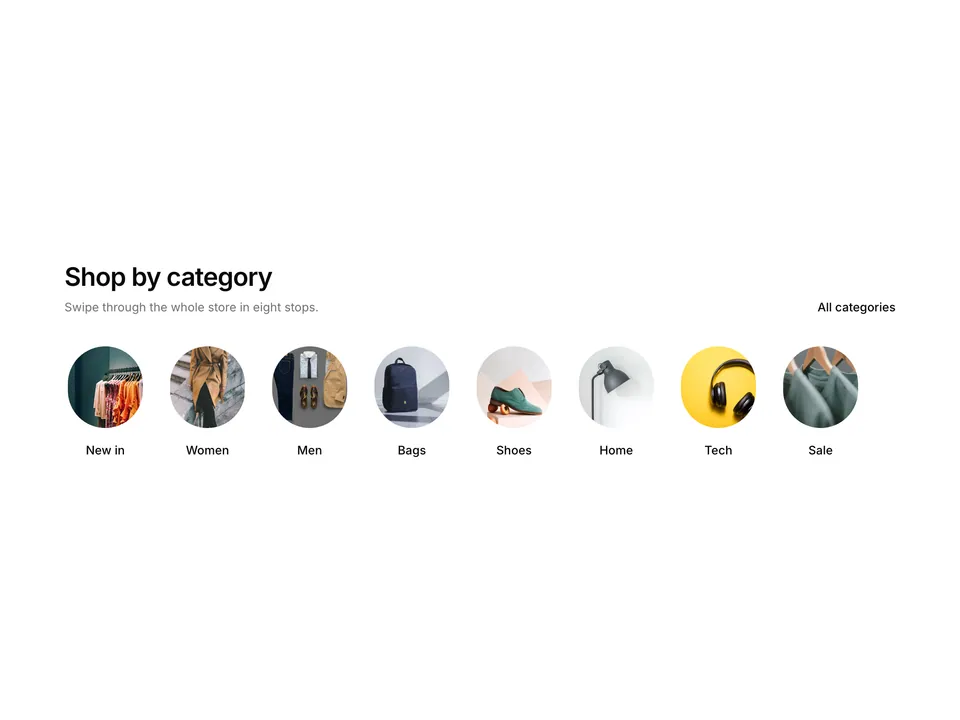
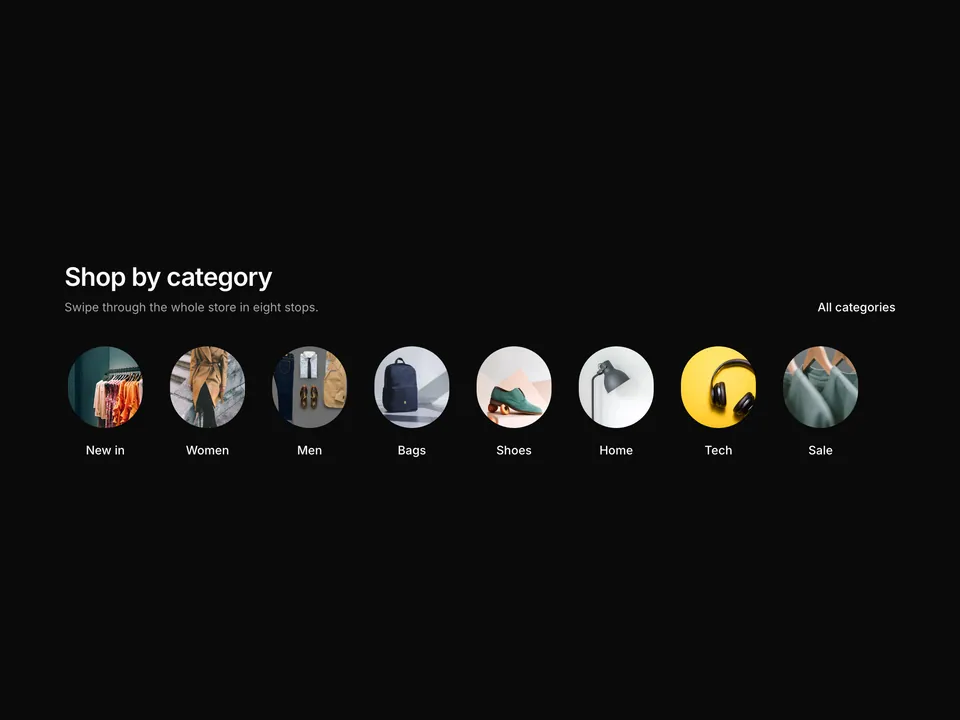
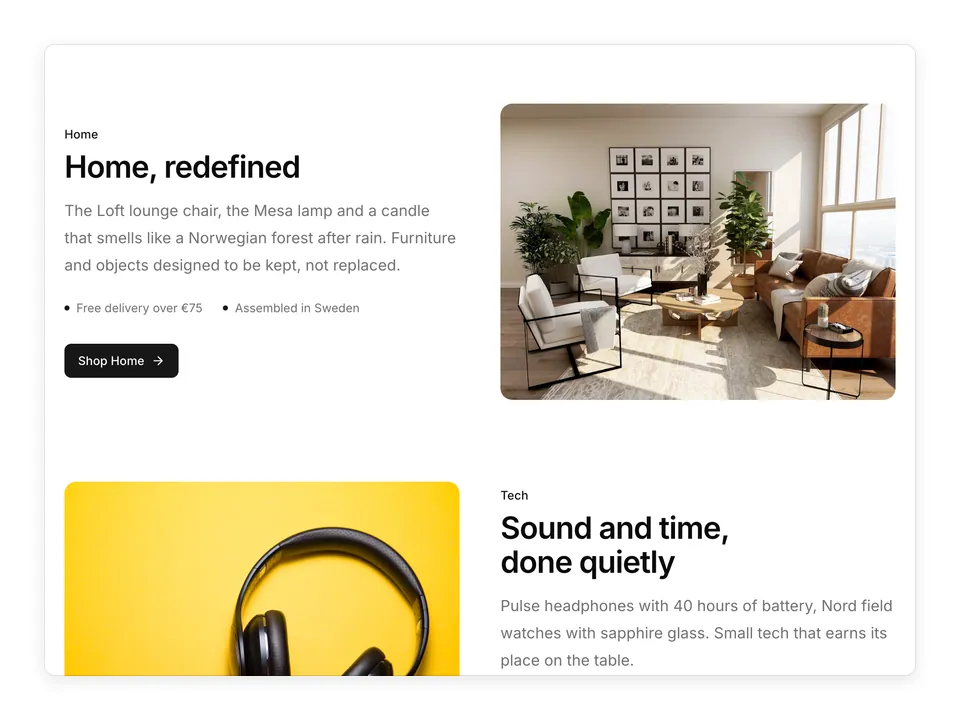
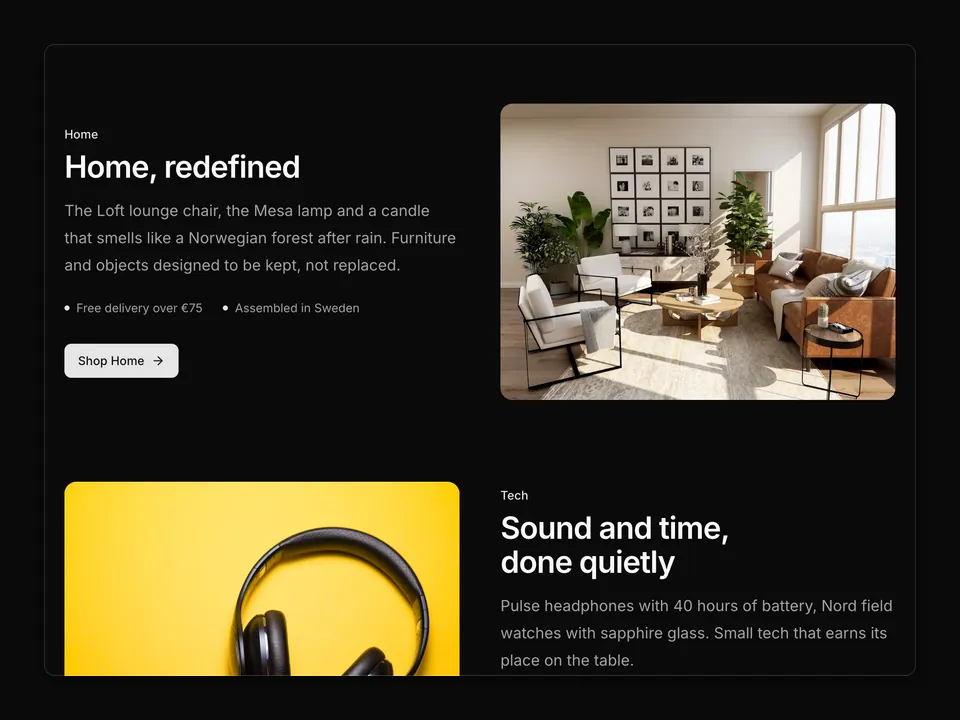
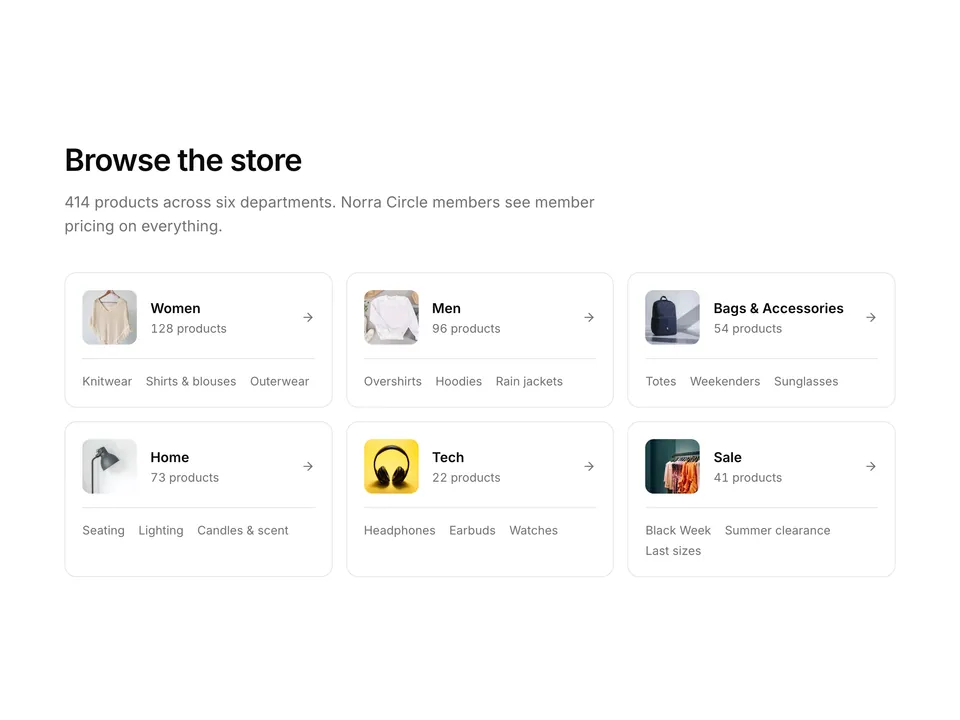
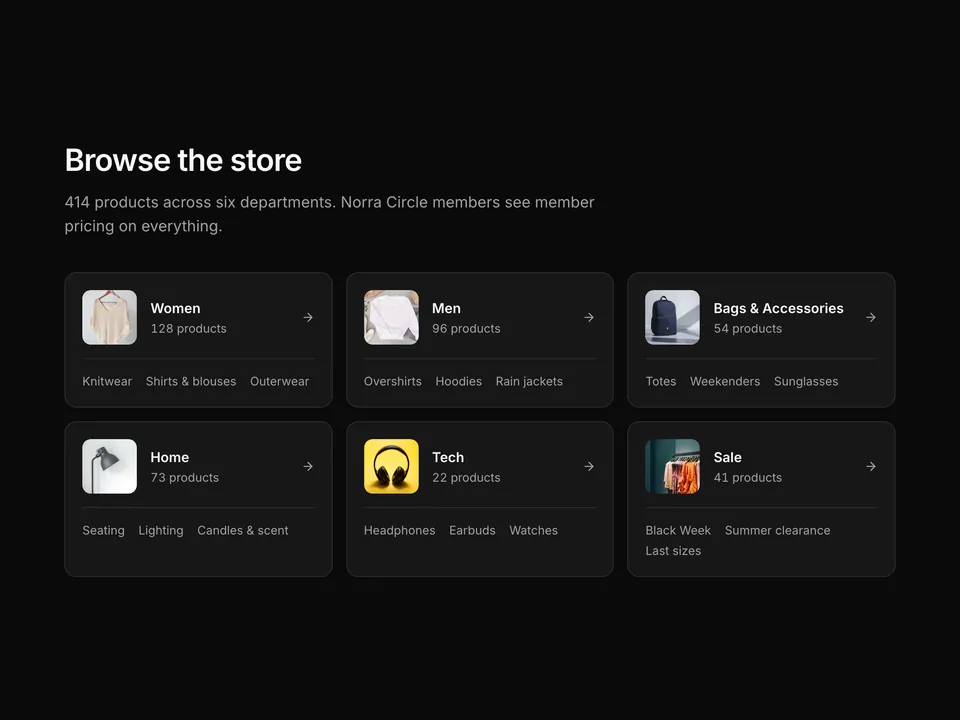
Shop-by-category section built with shadcn/ui: a centred heading and lead sit above four portrait photo tiles, each with a bottom gradient, category name, tagline and an animated "Shop now" arrow link. A two-column grid on mobile becomes four columns on desktop. Ideal as the first category entry point on a store landing page.

Free@shadcnpro/aria/product-category-01

Preview

Installation

npx shadcn@latest add @shadcnpro/aria/product-category-01

First time? Add the @shadcnpro registry to components.json as shown in Installation. Free blocks install without a license key.

Let your AI editor install it

The shadcn/ui Pro MCP server lets Cursor, Claude Code and VS Code find and install blocks like Four tall category tiles with gradient captions from one prompt. It is included in every Pro plan.

Install the npm packages

npm install lucide-react

Copy the code

Paste it into components/blocks/product-category-01.tsx.

components/blocks/product-category-01.tsx
'use client';

import { ArrowRightIcon } from 'lucide-react';

const photo = (id: string) =>
  `https://images.unsplash.com/photo-${id}?auto=format&fit=crop&w=800&q=80`;

const categories = [
  {
    name: 'Women',
    tagline: 'Knits, coats and linen',
    image: photo('1539533018447-63fcce2678e3'),
  },
  {
    name: 'Men',
    tagline: 'Overshirts and outerwear',
    image: photo('1593030761757-71fae45fa0e7'),
  },
  {
    name: 'Bags & Accessories',
    tagline: 'Leather, canvas and steel',
    image: photo('1553062407-98eeb64c6a62'),
  },
  {
    name: 'Home',
    tagline: 'Seating, light and scent',
    image: photo('1600210492486-724fe5c67fb0'),
  },
];

/**
 * Shop-by-category grid: a centred heading and lead above four tall 3:4 photo tiles, each with a bottom gradient, category name, tagline and a "Shop now" arrow link that slides on hover.
 */
export default function ProductCategory01() {
  return (
    <section className="w-full py-16 sm:py-24">
      <div className="mx-auto w-full max-w-6xl px-6">
        <div className="mx-auto max-w-2xl text-center">
          <p className="font-medium text-primary text-sm">Shop by category</p>
          <h2 className="mt-2 text-balance font-semibold text-3xl text-foreground tracking-tight sm:text-4xl">
            Everything for a slower kind of everyday
          </h2>
          <p className="mt-4 text-pretty text-lg text-muted-foreground">
            Four collections, one Scandinavian point of view. Free shipping
            over €75 and 30-day free returns on all of it.
          </p>
        </div>

        <div className="mt-12 grid grid-cols-2 gap-4 md:grid-cols-4">
          {categories.map((category) => (
            <a
              className="group relative overflow-hidden rounded-lg"
              href="#"
              key={category.name}
            >
              <img
                alt={category.name}
                className="aspect-[3/4] w-full object-cover transition-transform duration-700 group-hover:scale-105"
                loading="lazy"
                src={category.image}
              />
              <div className="absolute inset-0 bg-gradient-to-t from-black/80 via-black/20 to-transparent" />
              <div className="absolute inset-x-0 bottom-0 p-5 text-white">
                <h3 className="font-semibold text-lg tracking-tight">
                  {category.name}
                </h3>
                <p className="mt-0.5 text-sm text-white/75">
                  {category.tagline}
                </p>
                <span className="mt-3 inline-flex items-center gap-1 font-medium text-sm">
                  Shop now
                  <ArrowRightIcon
                    aria-hidden="true"
                    className="size-4 transition-transform group-hover:translate-x-1"
                  />
                </span>
              </div>
            </a>
          ))}
        </div>
      </div>
    </section>
  );
}

Use it

Import it where you need it and update the import path to match your project.

Usage
import ProductCategory01 from '@/components/blocks/product-category-01';

export default function Page() {
  return <ProductCategory01 />;
}

Overview

Four tall category tiles with gradient captions is a free product category block for shadcn/ui and React Aria. It is built from plain markup and Tailwind CSS with lucide-react, and installs as a single file you own and can edit.

It only uses semantic tokens such as bg-background, text-muted-foreground and border-border, so it follows your theme, radius and fonts and switches with dark mode. It is responsive from desktop to mobile; the width controls above the preview show each size. The same layout is in the shadcn/ui Pro Figma kit, so design and code start from one source.

Component library
React Aria (react-aria-components)
Also available for
Radix UI, Base UI
Built with
Plain markup and Tailwind CSS
npm packages
lucide-react
Files
components/blocks/product-category-01.tsx
Access
Free, installs without a license key

Frequently asked questions

Pricing, installation and React Aria details for Four tall category tiles with gradient captions.