 Free
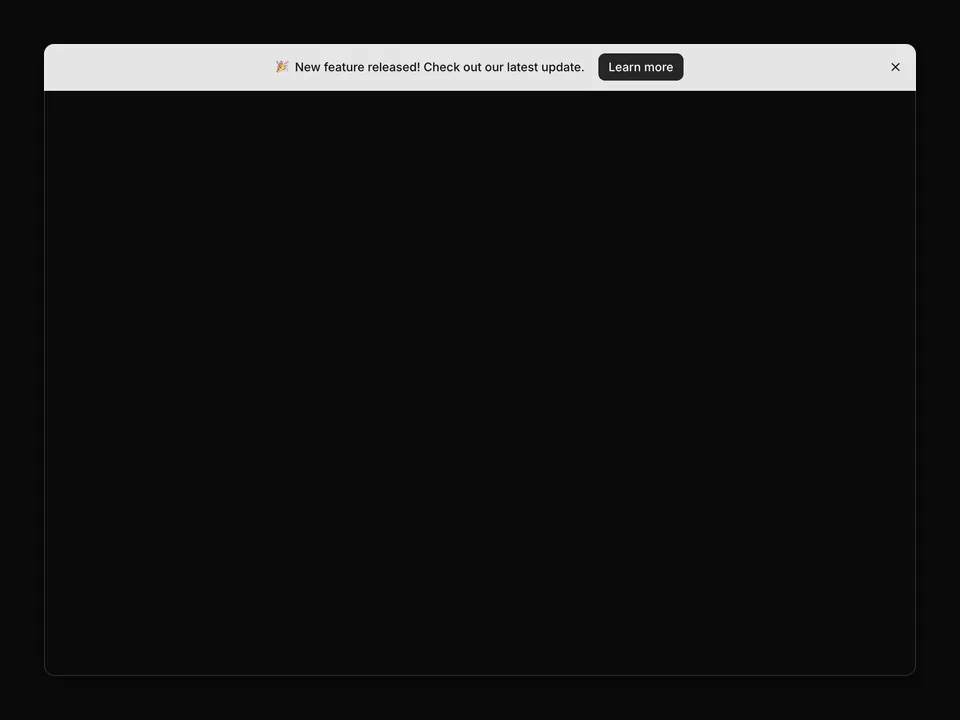
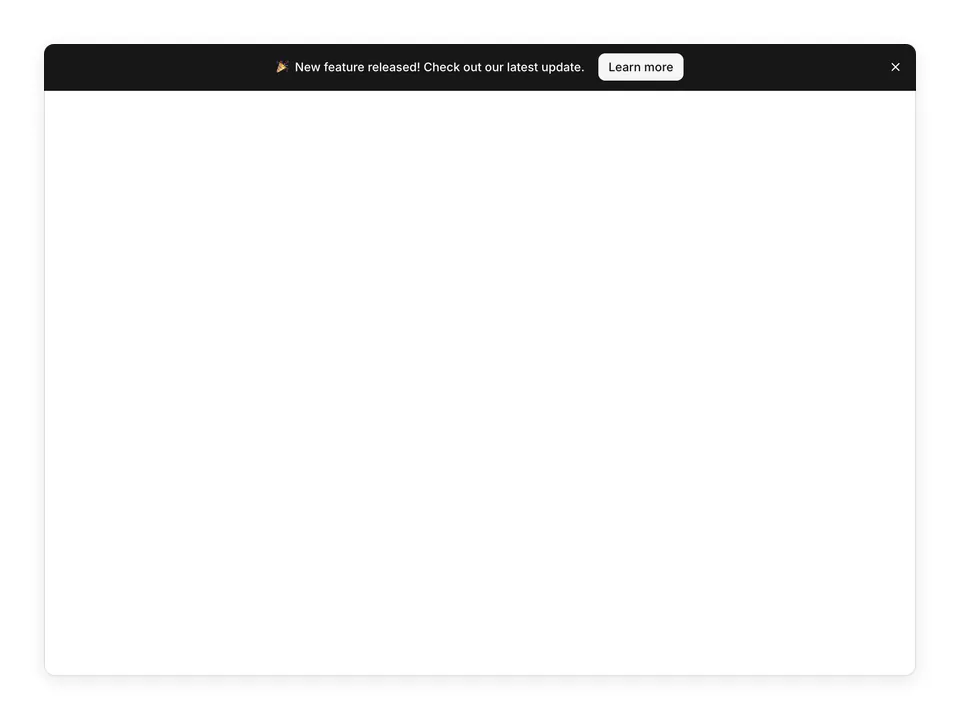
Banners
Banners
Ready-to-use banner and announcement bar blocks for shadcn/ui. Promotional ribbons, alerts, and notification bars from the shadcn figma design kit.
shadcn/ui
ProProduction-ready 404 and error page blocks for shadcn/ui. Empty states and not-found layouts from the shadcn/ui Pro kit.
@shadcnpro/aria/marketing-404npx shadcn@latest add @shadcnpro/aria/marketing-404First time? Add the @shadcnpro registry to components.json as shown in Installation. Free blocks install without a license key.
Let your AI editor install it
The shadcn/ui Pro MCP server lets Cursor, Claude Code and VS Code find and install blocks like 404 from one prompt. It is included in every Pro plan.
404 uses Button, from the React Aria components set up in your components.json.
npx shadcn@latest add buttonnpm install lucide-reactPaste it into components/blocks/marketing-404.tsx.
'use client';

import React from 'react';
import { LinkButton } from '@/components/ui/button';
import { Home } from 'lucide-react';

export default function Marketing404() {
  return (
    <div className="flex min-h-screen flex-col items-center justify-center p-4">
      <div className="text-center space-y-6">
        <h1 className="text-9xl font-bold text-muted-foreground/20">404</h1>
        <div className="space-y-2">
          <h2 className="text-3xl font-bold tracking-tight">Page not found</h2>
          <p className="text-muted-foreground">
            Sorry, we couldn't find the page you're looking for.
          </p>
        </div>
        <LinkButton href="/">
          <Home className="mr-2 h-4 w-4" />
          Back to home
        </LinkButton>
      </div>
    </div>
  );
}
Import it where you need it and update the import path to match your project.
import Marketing404 from '@/components/blocks/marketing-404';

export default function Page() {
  return <Marketing404 />;
}404 is a free 404 block for shadcn/ui and React Aria. It is built from the Button component with lucide-react, and installs as a single file you own and can edit.
It only uses semantic tokens such as bg-background, text-muted-foreground and border-border, so it follows your theme, radius and fonts and switches with dark mode. It is a full-page layout that fills the viewport and adapts from desktop to mobile. The same layout is in the shadcn/ui Pro Figma kit, so design and code start from one source.
FreeBanners
Ready-to-use banner and announcement bar blocks for shadcn/ui. Promotional ribbons, alerts, and notification bars from the shadcn figma design kit.
 Free
Bento Grid
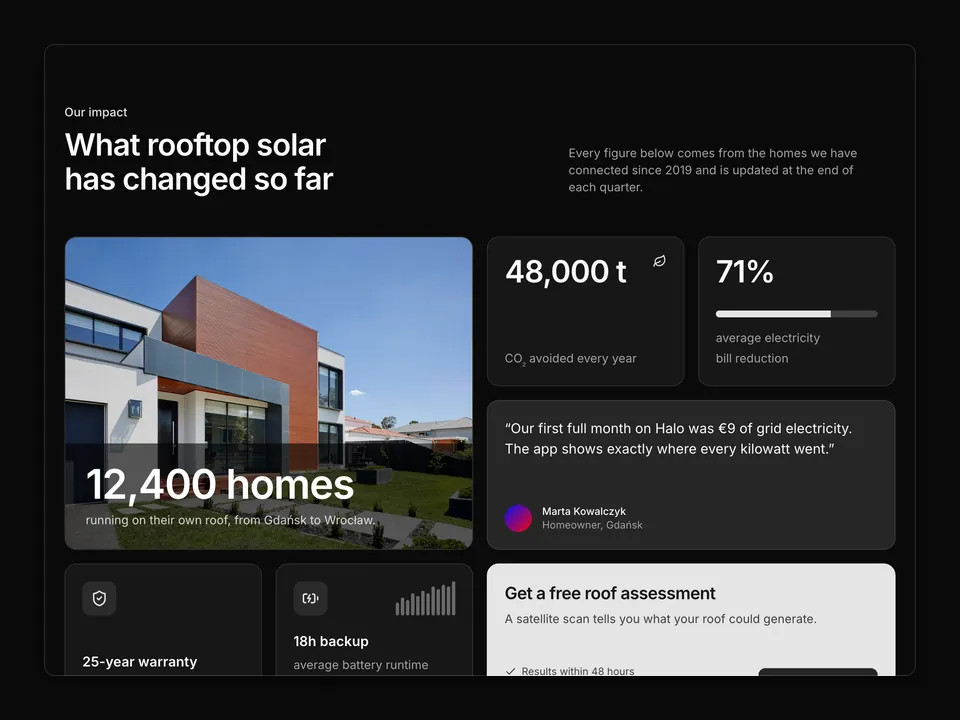
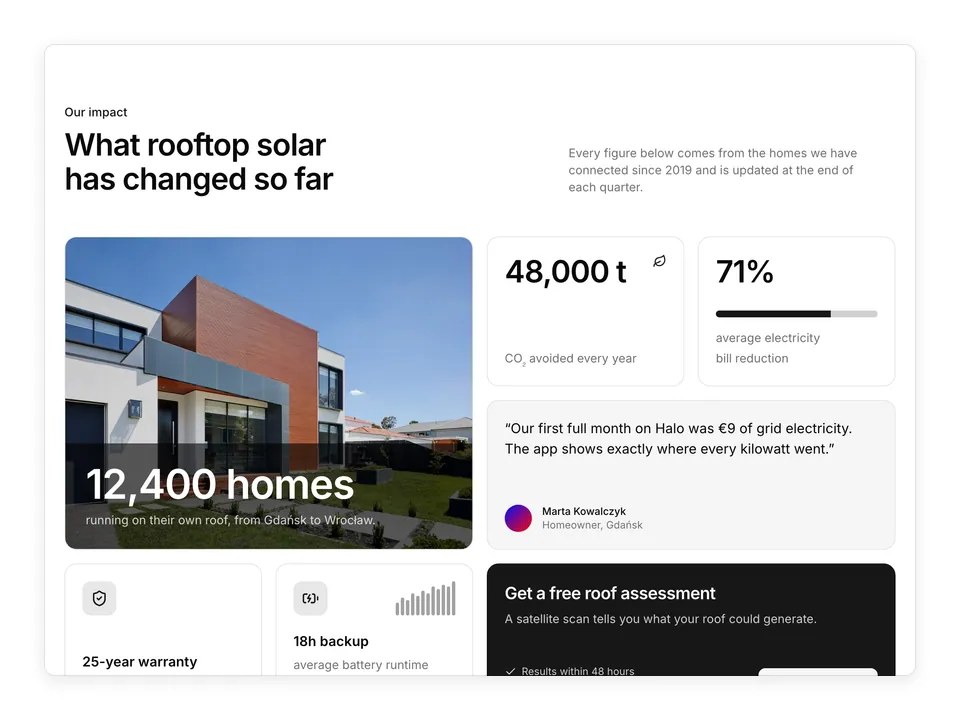
A seven-tile impact bento for shadcn/ui: a double-size photo tile with a dark overlay headline, two big-number stat tiles (one with a Progress bar), a muted quote tile with Avatar, two icon tiles including a tiny bar sparkline, and an inverted bg-primary CTA tile with a secondary Button and three check items. Four columns with fixed 11rem rows on desktop, two columns on tablet, a single stack on mobile. Good for sustainability, impact or results sections.
 Free
Blog
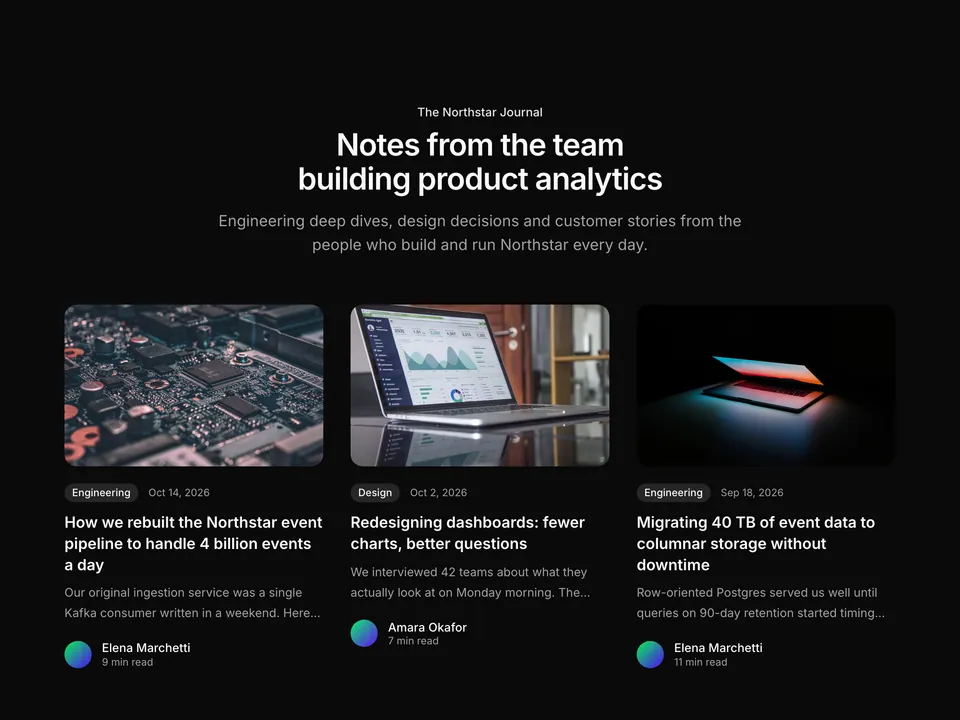
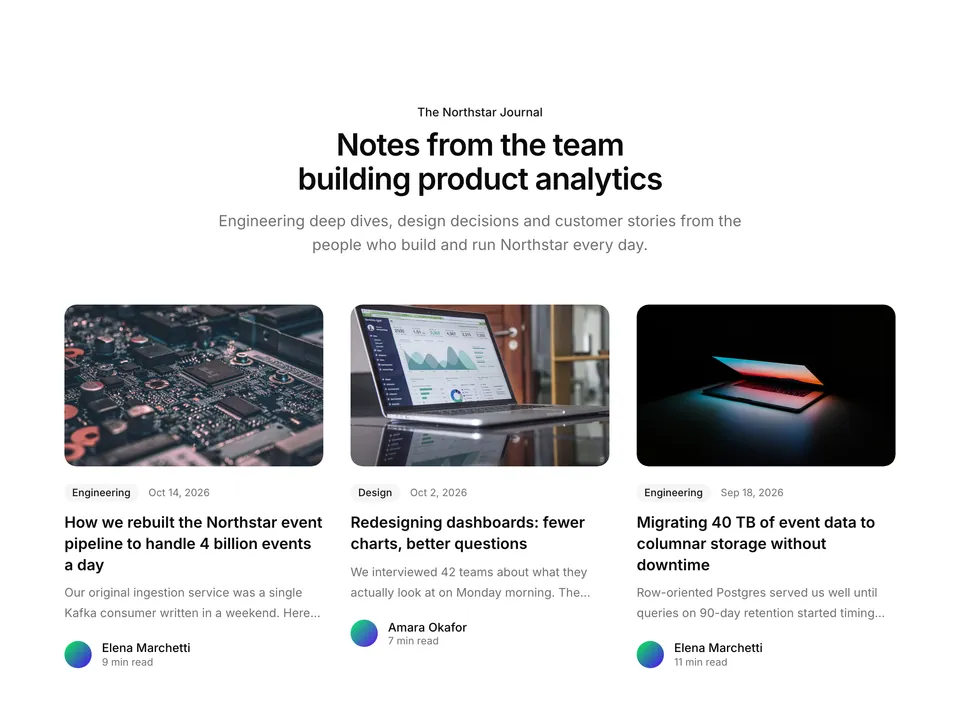
Classic blog listing section for shadcn/ui with a centred heading and lead above a responsive three-column grid of six post cards. Each card combines a cover image, a category Badge with the publish date, a two-line excerpt and an Avatar author row with read time. A dependable default for any company blog index.
 Free
Careers
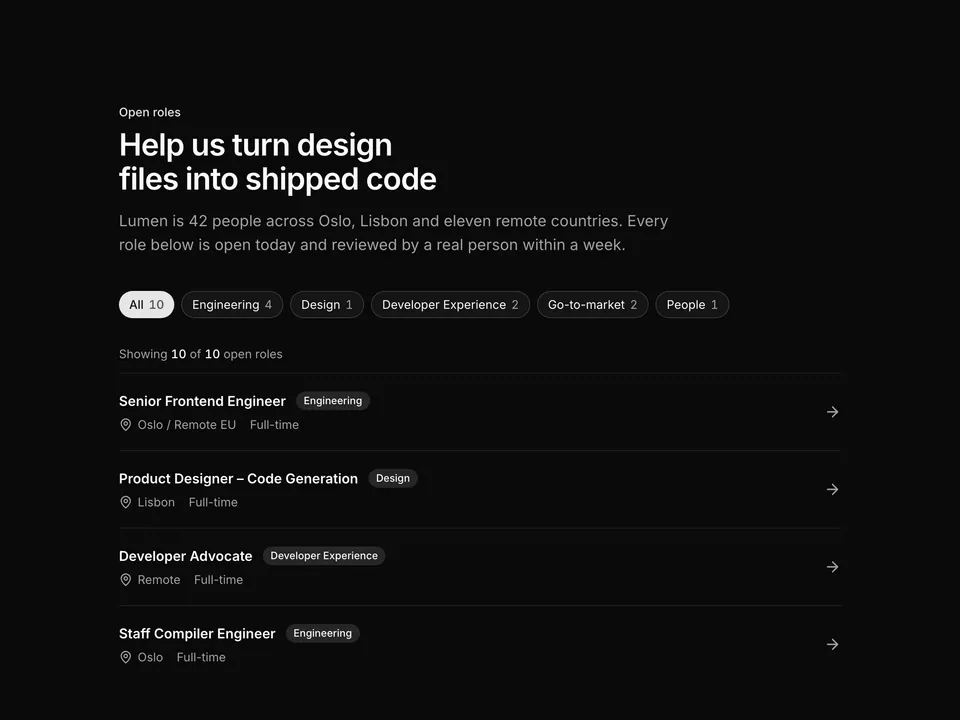
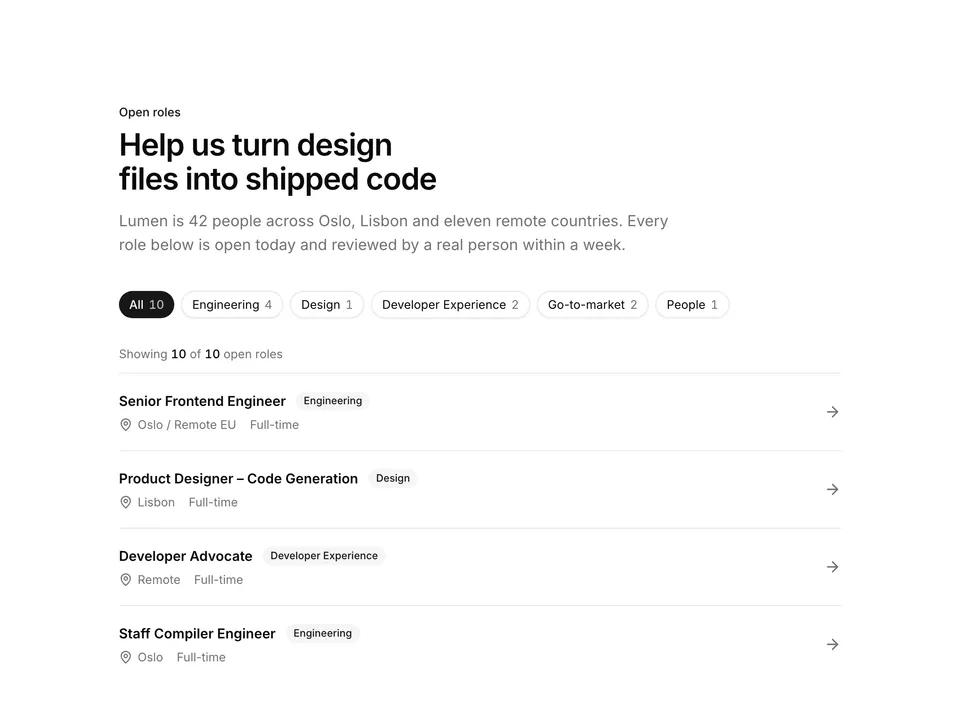
Careers listing built with shadcn/ui Button chips and Badge. A heading and lead sit above a row of department filter pills with live counts, and a divided list of role rows shows the title, department Badge, MapPin location, contract type and an arrow. Good as the main jobs board on a careers page.
 Free
Case studies
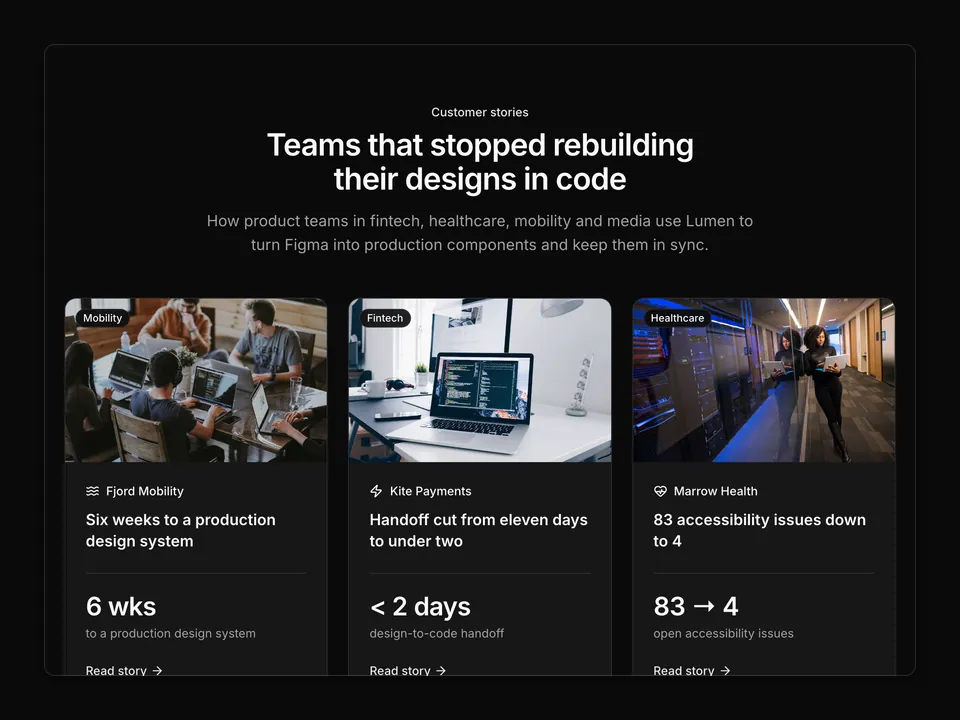
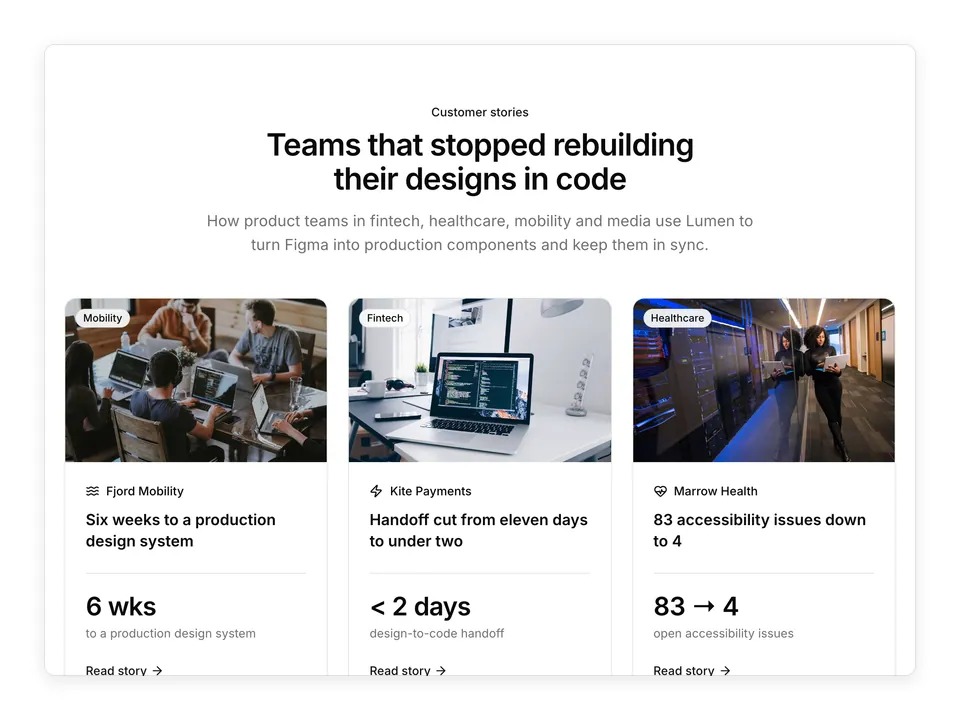
Customer story grid for shadcn/ui: a centred heading stack over six Cards, each with a cover photo, an industry Badge floating on the image, a lucide wordmark, a story title, one large tabular headline metric with its label and a "Read story" arrow link that covers the whole card. Collapses to two columns on tablets and one on phones. The default customers index for a product marketing site.
 Free
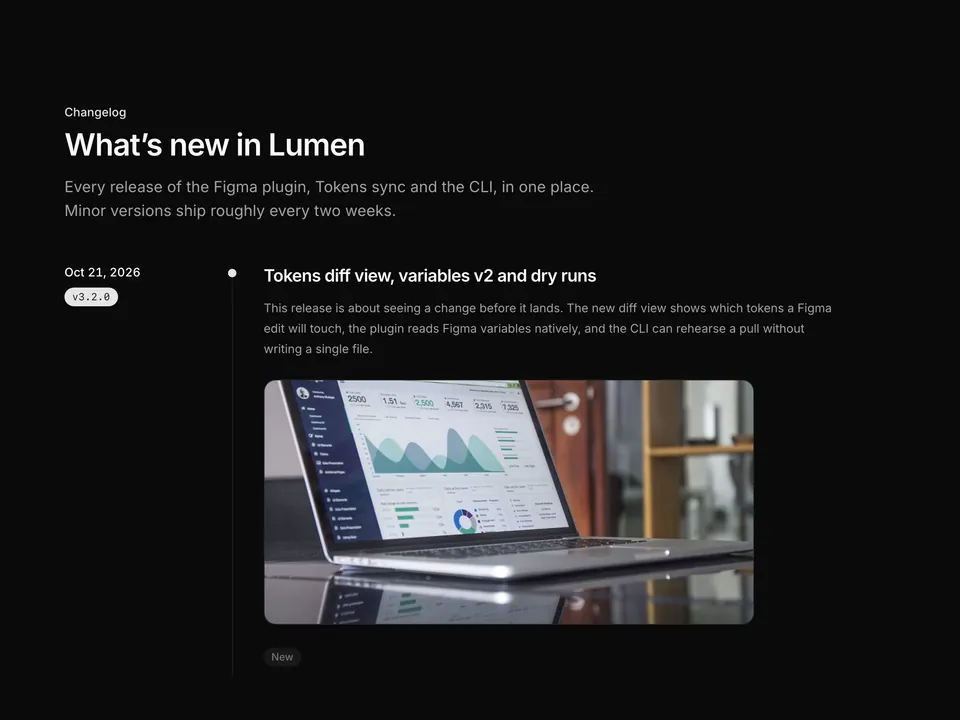
Changelog
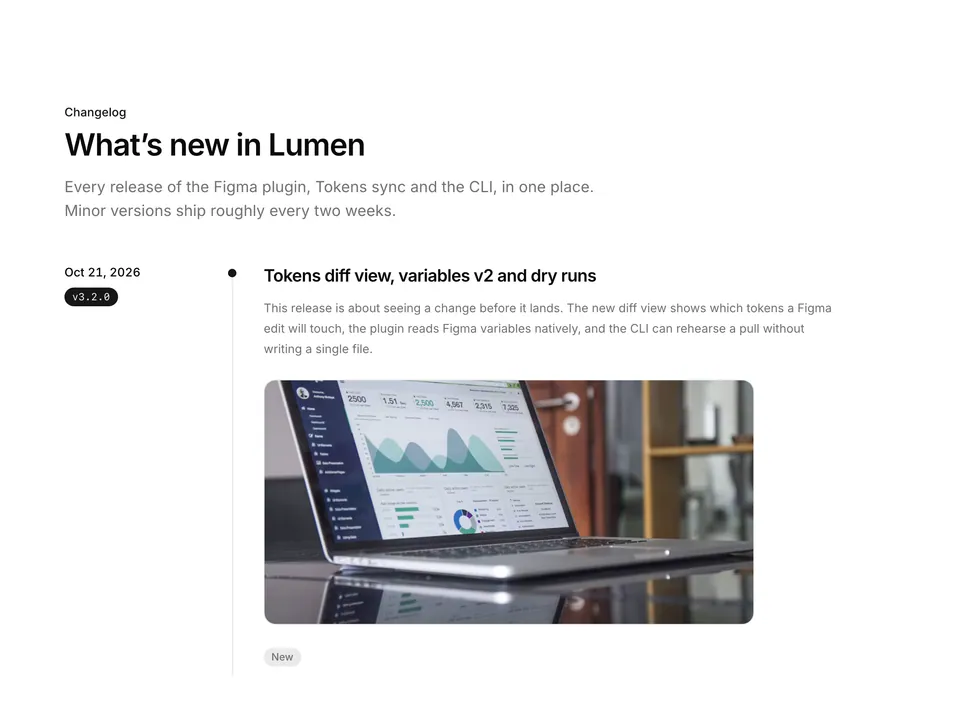
Release timeline for shadcn/ui: four entries on a dotted vertical rail, each with a sticky date and mono version Badge column on the left and, on the right, a title, summary paragraph, optional screenshot and bullet lists grouped under tinted New, Improved, Fixed and Breaking Badges. Inline code spans are rendered from backticks. The classic long-form changelog page.
Pricing, installation and React Aria details for 404.
Yes. 404 (marketing-404) is one of the 62 free blocks in shadcn/ui Pro: the code is on this page and it installs with the shadcn CLI without a license key.
Add the @shadcnpro registry to components.json once, as described in Installation, then run npx shadcn@latest add @shadcnpro/aria/marketing-404. The shadcn CLI writes components/blocks/marketing-404.tsx and adds the Button component if your project does not have them yet. It is free, so no license key is needed.
Button from shadcn/ui, plus the npm package lucide-react. Colors, radius and fonts come from semantic tokens such as bg-background and text-muted-foreground, so it follows your theme.
The layout and copy are the same. The interactive parts are built on React Aria (react-aria-components) through the shadcn/ui React Aria components instead of Radix UI. Install it with npx shadcn@latest add @shadcnpro/aria/marketing-404, or pick the Radix UI and Base UI version above the preview.
Yes. It uses semantic classes such as bg-background, text-foreground and border-border, so it picks up your colors, radius and fonts and switches with dark mode. The theme menu above the preview shows it in the shadcn/ui Pro themes.
Yes. Every block has a matching frame in the shadcn/ui Pro Figma kit, so designers and developers start from the same layout and component names.
Yes. With the shadcn/ui Pro MCP server connected to Cursor, Claude Code or VS Code, ask: "Use shadcnpro to add aria/marketing-404." The agent finds the block, shows its install command and runs it after you approve.