'use client';

import { CheckIcon, LockIcon, TagIcon, TruckIcon, XIcon } from 'lucide-react';
import { useState } from 'react';

import { Badge } from '@/components/ui/badge';
import { Button } from '@/components/ui/button';
import {
  Card,
  CardContent,
  CardFooter,
  CardHeader,
  CardTitle,
} from '@/components/ui/card';
import { Input } from '@/components/ui/input';
import { Label } from '@/components/ui/label';
import { Progress } from '@/components/ui/progress';
import { Separator } from '@/components/ui/separator';

const items = [
  {
    name: 'Fjell Wool Overshirt',
    variant: 'Oat · M',
    qty: 1,
    price: 129,
    src: 'https://images.unsplash.com/photo-1523381210434-271e8be1f52b?auto=format&fit=crop&w=300&q=80',
  },
  {
    name: 'Vik Sunglasses',
    variant: 'Black',
    qty: 1,
    price: 149,
    src: 'https://images.unsplash.com/photo-1511499767150-a48a237f0083?auto=format&fit=crop&w=300&q=80',
  },
  {
    name: 'Dune Canvas Tote',
    variant: 'Natural',
    qty: 2,
    price: 59,
    src: 'https://images.unsplash.com/photo-1491637639811-60e2756cc1c7?auto=format&fit=crop&w=300&q=80',
  },
];

const FREE_SHIPPING_THRESHOLD = 75;

/**
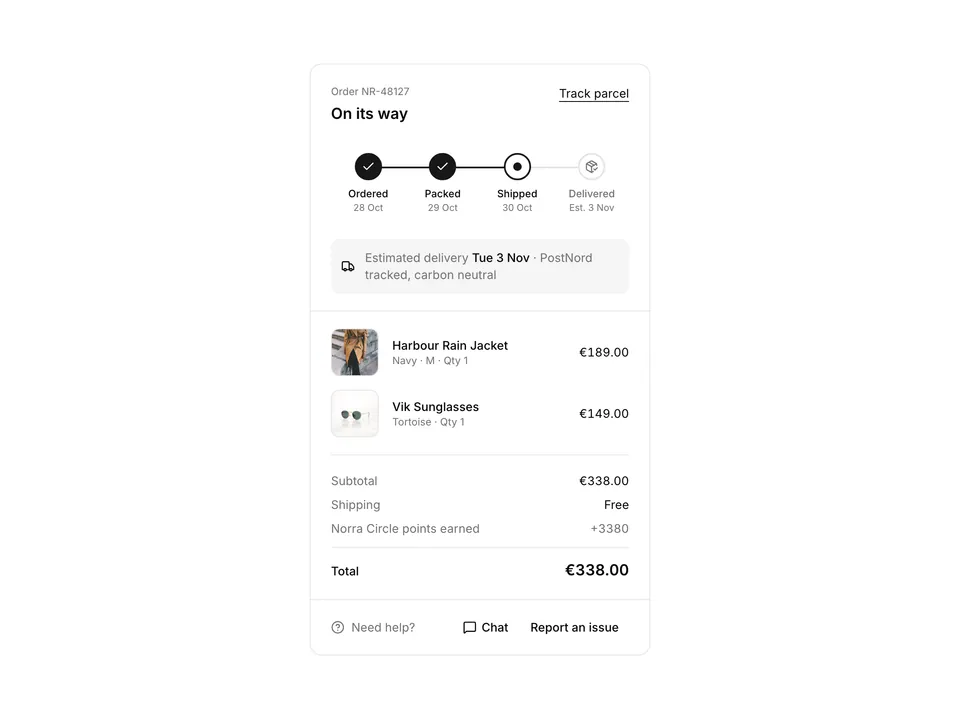
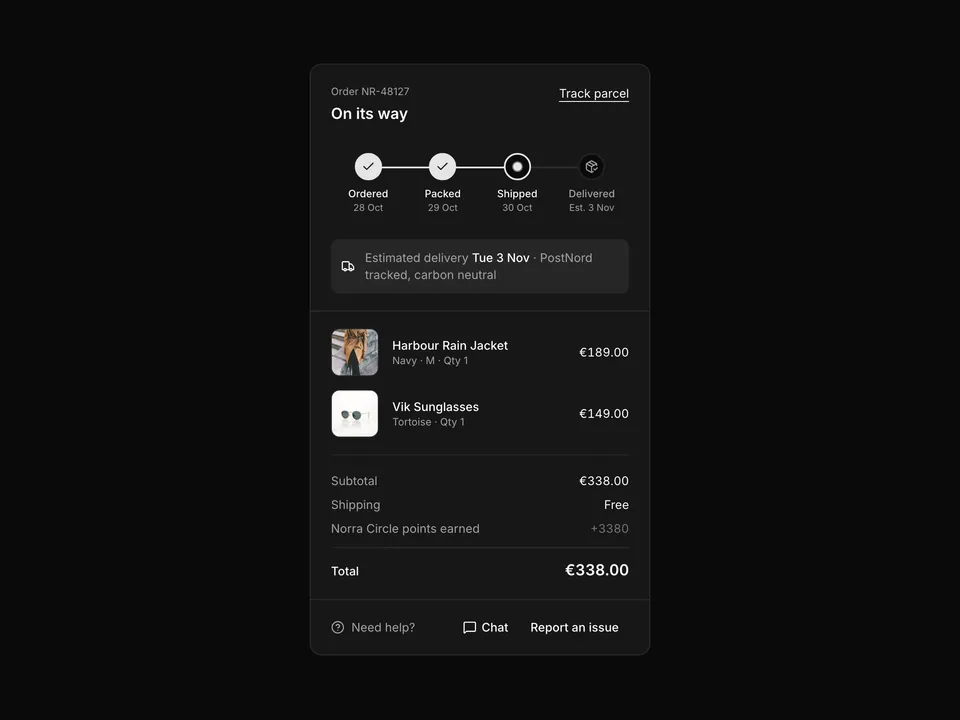
 * Compact order summary Card: three line items with thumbnails and quantities, a promo code Input that applies WELCOME10 as a removable Badge, subtotal / discount / shipping / total rows, a Checkout Button and a free-shipping Progress line.
 */
export default function OrderSummary01() {
  const [code, setCode] = useState('');
  const [applied, setApplied] = useState<string | null>(null);

  const subtotal = items.reduce((sum, item) => sum + item.price * item.qty, 0);
  const discount = applied ? Math.round(subtotal * 0.1 * 100) / 100 : 0;
  const shipping = subtotal >= FREE_SHIPPING_THRESHOLD ? 0 : 4.9;
  const total = subtotal - discount + shipping;
  const progress = Math.min(100, (subtotal / FREE_SHIPPING_THRESHOLD) * 100);

  return (
    <section className="w-full py-8 sm:py-12">
      <div className="mx-auto w-full max-w-md px-6">
        <Card className="gap-0 py-0 shadow-none">
          <CardHeader className="flex items-center justify-between border-b px-6 py-5">
            <CardTitle className="text-base">Order summary</CardTitle>
            <span className="text-muted-foreground text-sm">
              {items.reduce((sum, item) => sum + item.qty, 0)} items
            </span>
          </CardHeader>

          <CardContent className="px-6 py-5">
            <ul className="flex flex-col gap-4">
              {items.map((item) => (
                <li className="flex items-center gap-4" key={item.name}>
                  <div className="relative shrink-0">
                    <img
                      alt={item.name}
                      className="size-16 rounded-lg border object-cover"
                      loading="lazy"
                      src={item.src}
                    />
                    <span className="absolute -top-2 -right-2 flex size-5 items-center justify-center rounded-full bg-foreground font-medium text-[11px] text-background tabular-nums">
                      {item.qty}
                    </span>
                  </div>
                  <div className="min-w-0 flex-1">
                    <p className="truncate font-medium text-foreground text-sm">
                      {item.name}
                    </p>
                    <p className="text-muted-foreground text-xs">{item.variant}</p>
                  </div>
                  <p className="font-medium text-foreground text-sm tabular-nums">
                    €{(item.price * item.qty).toFixed(2)}
                  </p>
                </li>
              ))}
            </ul>

            <Separator className="my-5" />

            <form
              className="flex flex-col gap-2"
              onSubmit={(e) => {
                e.preventDefault();
                if (code.trim().toUpperCase() === 'WELCOME10') {
                  setApplied('WELCOME10');
                  setCode('');
                }
              }}
            >
              <Label className="sr-only" htmlFor="os01-promo">
                Promo code
              </Label>
              <div className="flex gap-2">
                <Input
                  autoComplete="off"
                  id="os01-promo"
                  name="promo"
                  onChange={(e) => setCode(e.target.value)}
                  placeholder="Promo code"
                  value={code}
                />
                <Button
                  disabled={code.trim().length === 0}
                  type="submit"
                  variant="secondary"
                >
                  Apply
                </Button>
              </div>
              {applied ? (
                <div className="flex items-center gap-2">
                  <Badge className="gap-1 pr-1" variant="secondary">
                    <TagIcon aria-hidden="true" />
                    {applied}
                    <button
                      aria-label={`Remove code ${applied}`}
                      className="ml-0.5 flex size-4 items-center justify-center rounded-full hover:bg-foreground/10"
                      onClick={() => setApplied(null)}
                      type="button"
                    >
                      <XIcon aria-hidden="true" className="size-3" />
                    </button>
                  </Badge>
                  <span className="text-muted-foreground text-xs">
                    10% off your first order
                  </span>
                </div>
              ) : (
                <p className="text-muted-foreground text-xs">
                  Try <span className="font-medium text-foreground">WELCOME10</span>{' '}
                  for 10% off your first order.
                </p>
              )}
            </form>

            <Separator className="my-5" />

            <dl className="flex flex-col gap-2 text-sm">
              <div className="flex justify-between">
                <dt className="text-muted-foreground">Subtotal</dt>
                <dd className="text-foreground tabular-nums">€{subtotal.toFixed(2)}</dd>
              </div>
              {discount > 0 ? (
                <div className="flex justify-between">
                  <dt className="text-muted-foreground">Discount ({applied})</dt>
                  <dd className="text-chart-2 tabular-nums">−€{discount.toFixed(2)}</dd>
                </div>
              ) : null}
              <div className="flex justify-between">
                <dt className="text-muted-foreground">Shipping</dt>
                <dd className="text-foreground tabular-nums">
                  {shipping === 0 ? 'Free' : `€${shipping.toFixed(2)}`}
                </dd>
              </div>
              <div className="flex justify-between">
                <dt className="text-muted-foreground">Estimated VAT (incl.)</dt>
                <dd className="text-muted-foreground tabular-nums">
                  €{(total - total / 1.25).toFixed(2)}
                </dd>
              </div>
              <Separator className="my-1" />
              <div className="flex items-baseline justify-between">
                <dt className="font-medium text-foreground">Total</dt>
                <dd className="font-semibold text-foreground text-lg tabular-nums">
                  €{total.toFixed(2)}
                </dd>
              </div>
            </dl>
          </CardContent>

          <CardFooter className="flex-col items-stretch gap-4 border-t px-6 py-5">
            <Button className="h-10 w-full" type="button">
              <LockIcon aria-hidden="true" />
              Checkout · €{total.toFixed(2)}
            </Button>
            <div className="flex flex-col gap-2">
              <p className="flex items-center gap-2 text-sm">
                {shipping === 0 ? (
                  <>
                    <CheckIcon aria-hidden="true" className="size-4 text-chart-2" />
                    <span className="text-foreground">Free shipping unlocked</span>
                  </>
                ) : (
                  <>
                    <TruckIcon aria-hidden="true" className="size-4 text-muted-foreground" />
                    <span className="text-muted-foreground">
                      Add €{(FREE_SHIPPING_THRESHOLD - subtotal).toFixed(2)} for free
                      shipping
                    </span>
                  </>
                )}
              </p>
              <Progress className="w-full" aria-label="Progress towards free shipping" value={progress} />
            </div>
          </CardFooter>
        </Card>
      </div>
    </section>
  );
}