'use client';

import {
  CreditCardIcon,
  LandmarkIcon,
  MinusIcon,
  PlusIcon,
  TruckIcon,
  WalletIcon,
} from 'lucide-react';
import { useState } from 'react';

import { Button, buttonVariants } from '@/components/ui/button';
import {
  Card,
  CardContent,
  CardFooter,
  CardHeader,
  CardTitle,
} from '@/components/ui/card';
import { Input } from '@/components/ui/input';
import { Label } from '@/components/ui/label';
import { Separator } from '@/components/ui/separator';
import { cn } from '@/lib/utils';

type CartItem = {
  id: string;
  name: string;
  variant: string;
  price: number;
  qty: number;
  image: string;
  alt: string;
};

const initialItems: CartItem[] = [
  {
    id: 'fjell',
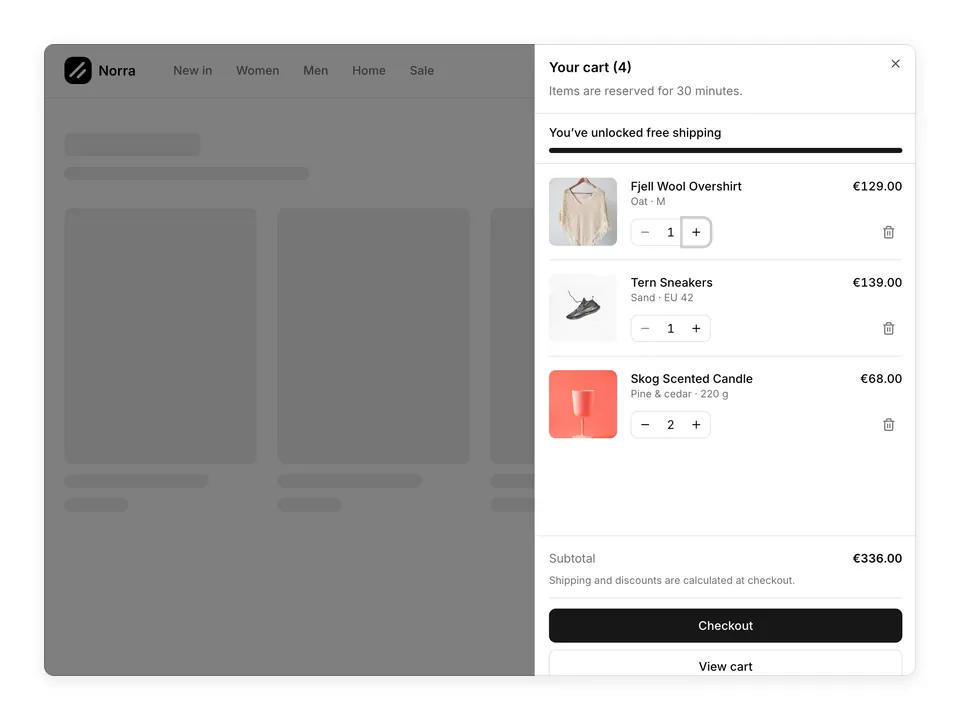
    name: 'Fjell Wool Overshirt',
    variant: 'Oat · M',
    price: 129,
    qty: 1,
    image:
      'https://images.unsplash.com/photo-1434389677669-e08b4cac3105?auto=format&fit=crop&w=400&q=80',
    alt: 'Wool overshirt hanging on a rail',
  },
  {
    id: 'tern',
    name: 'Tern Sneakers',
    variant: 'Sand · EU 42',
    price: 139,
    qty: 1,
    image:
      'https://images.unsplash.com/photo-1491553895911-0055eca6402d?auto=format&fit=crop&w=400&q=80',
    alt: 'Pair of sand coloured sneakers',
  },
  {
    id: 'skog',
    name: 'Skog Scented Candle',
    variant: 'Pine & cedar · 220 g',
    price: 34,
    qty: 2,
    image:
      'https://images.unsplash.com/photo-1560393464-5c69a73c5770?auto=format&fit=crop&w=400&q=80',
    alt: 'Scented candle in a coloured glass vessel',
  },
];

const FREE_SHIPPING_FROM = 75;
const SHIPPING = 4.9;

function formatPrice(value: number) {
  return `€${value.toFixed(2)}`;
}

/**
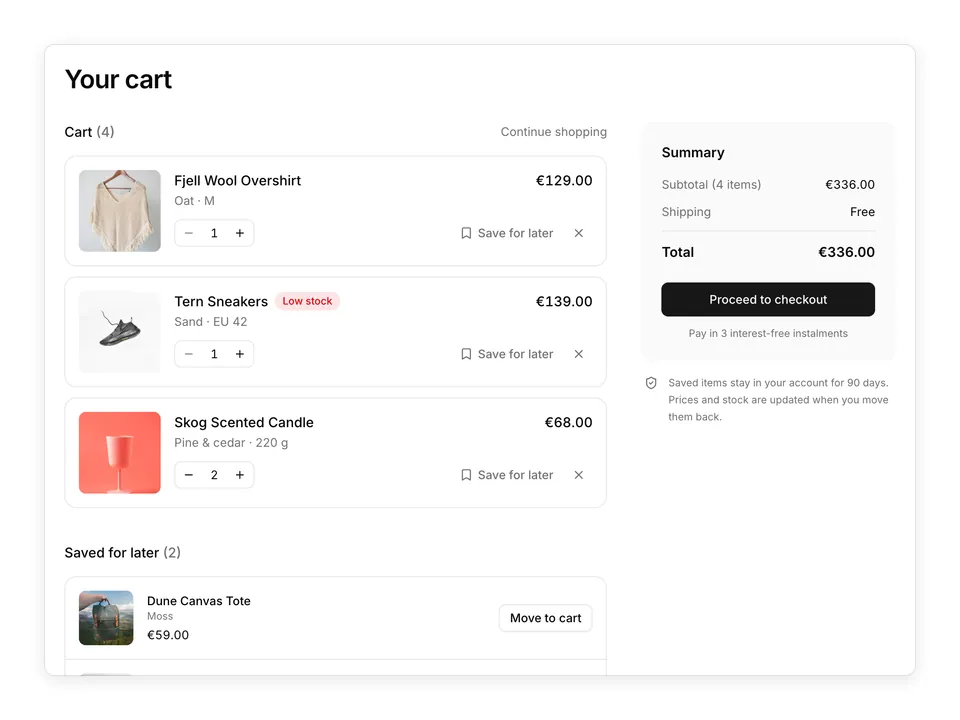
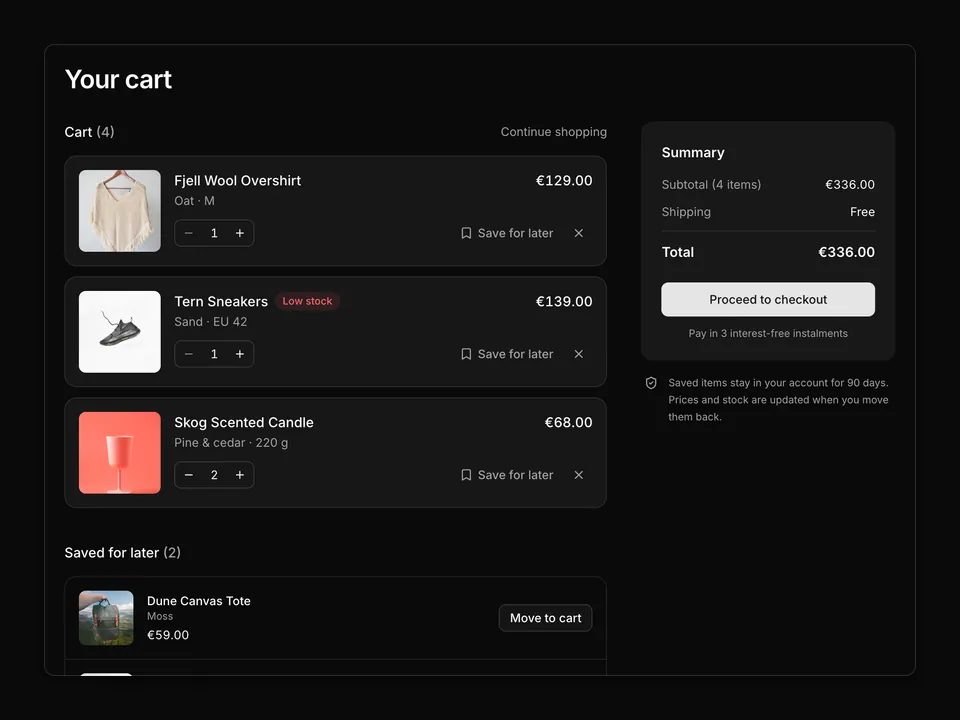
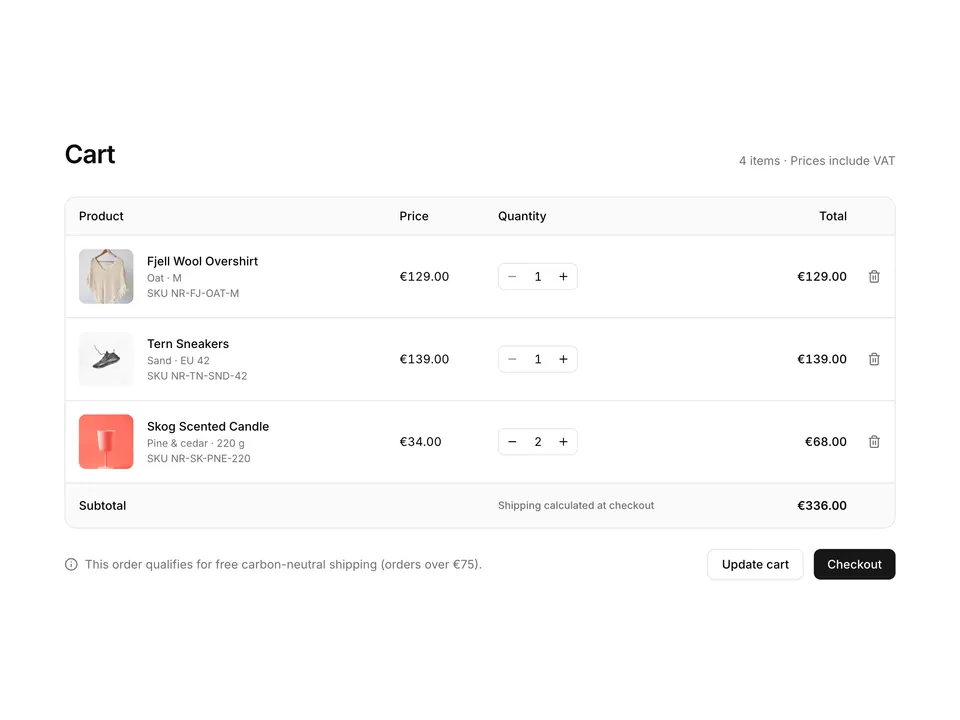
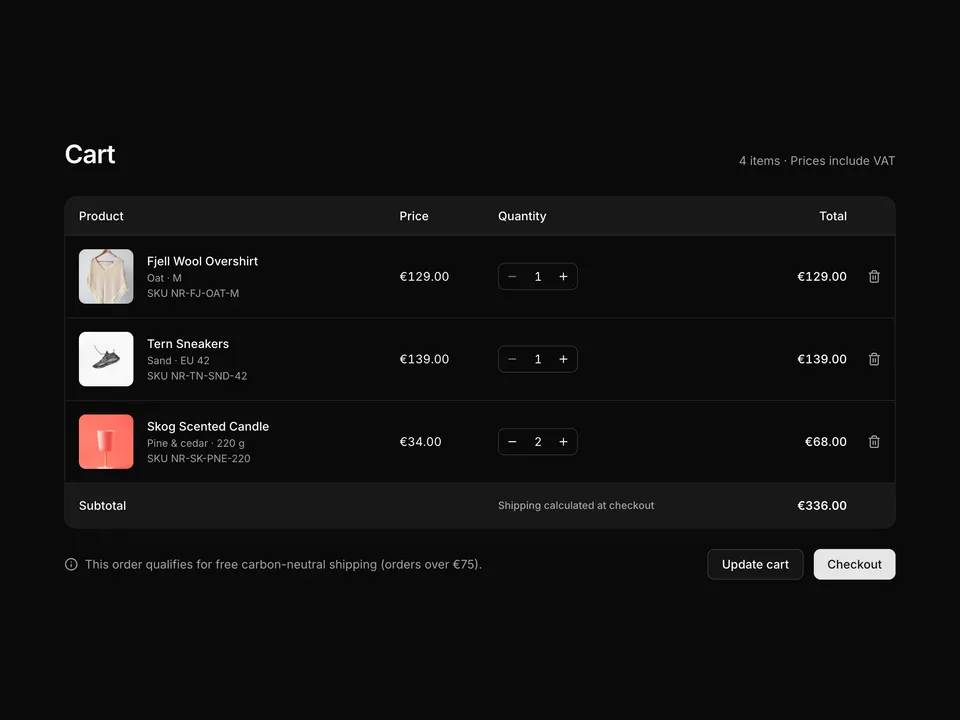
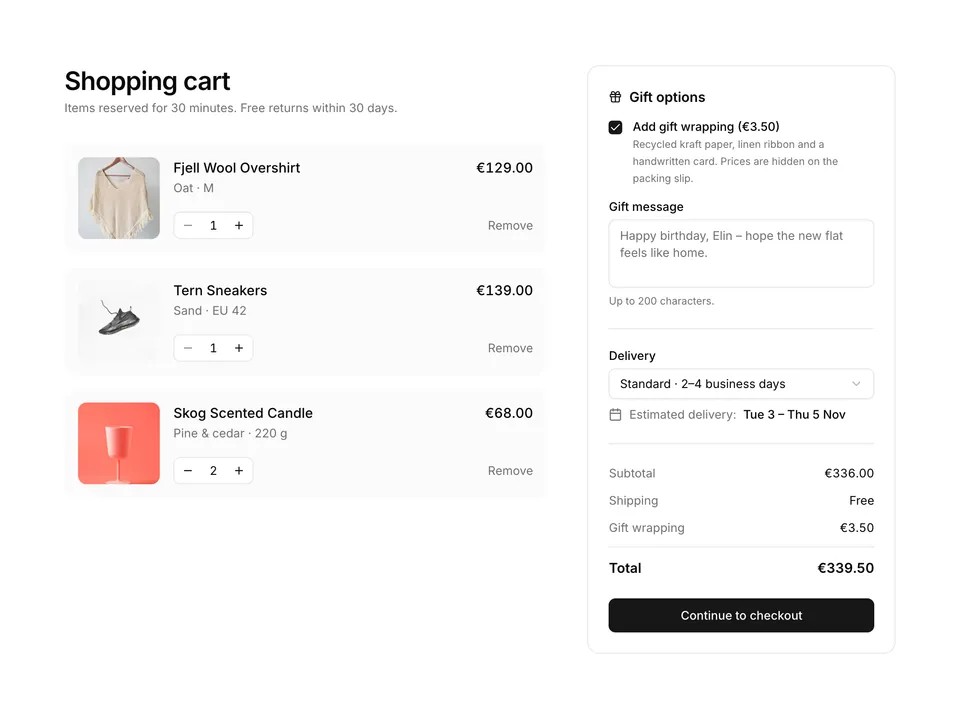
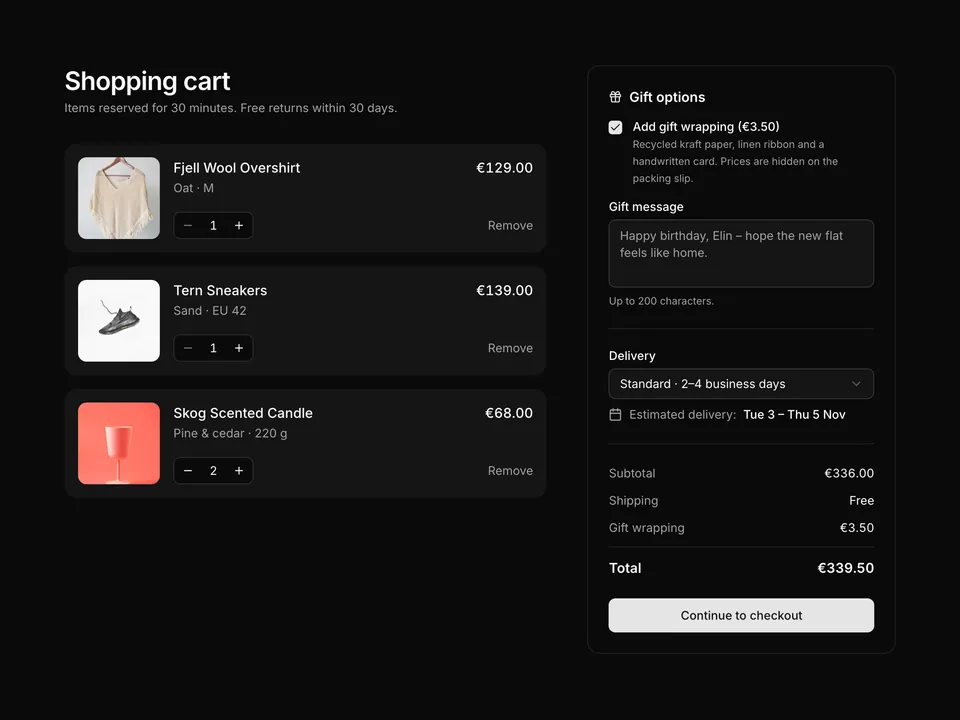
 * Full cart page: a two-thirds list of items with thumbnails, variants, quantity steppers and Remove links, next to a sticky summary Card with promo code Input, totals, Checkout Button and payment icons.
 */
export default function ShoppingCart01() {
  const [items, setItems] = useState(initialItems);

  const updateQty = (id: string, qty: number) =>
    setItems((prev) =>
      prev.map((item) =>
        item.id === id ? { ...item, qty: Math.max(1, qty) } : item
      )
    );
  const removeItem = (id: string) =>
    setItems((prev) => prev.filter((item) => item.id !== id));

  const count = items.reduce((sum, item) => sum + item.qty, 0);
  const subtotal = items.reduce((sum, item) => sum + item.price * item.qty, 0);
  const shipping = subtotal >= FREE_SHIPPING_FROM || subtotal === 0 ? 0 : SHIPPING;
  const total = subtotal + shipping;

  return (
    <section className="w-full py-8 sm:py-12">
      <div className="mx-auto w-full max-w-6xl px-6">
        <div className="flex flex-wrap items-end justify-between gap-2">
          <h1 className="font-semibold text-3xl text-foreground tracking-tight">
            Shopping cart
          </h1>
          <p className="text-muted-foreground text-sm">
            {count} {count === 1 ? 'item' : 'items'}
          </p>
        </div>

        <div className="mt-8 grid grid-cols-1 gap-8 md:grid-cols-3 md:gap-10">
          <div className="md:col-span-2">
            {items.length === 0 ? (
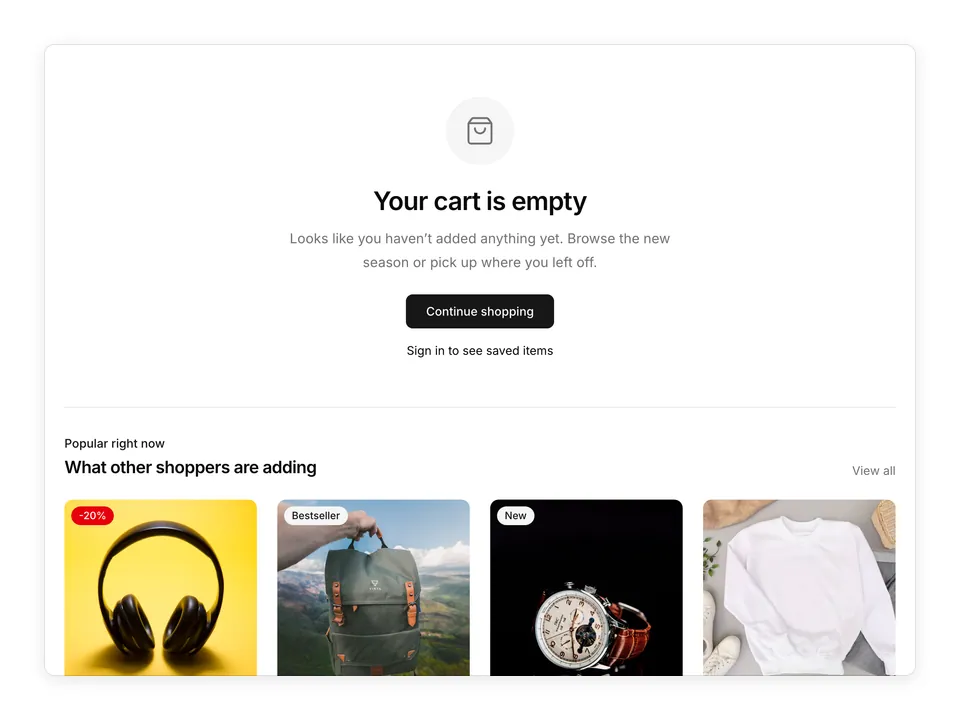
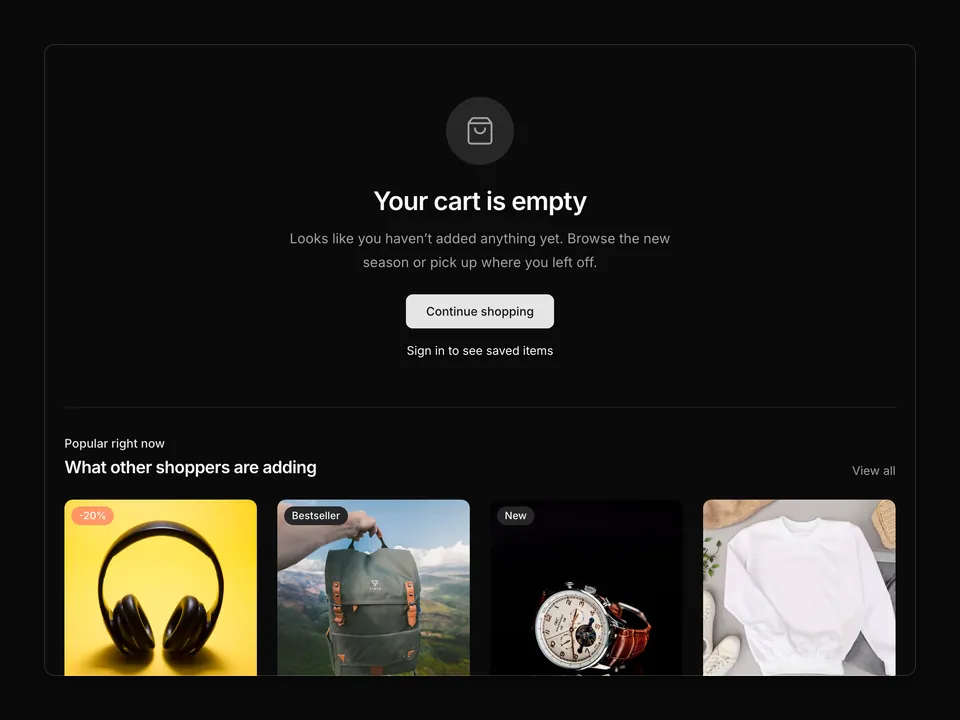
              <div className="rounded-xl border border-dashed p-10 text-center">
                <p className="font-medium text-foreground">Your cart is empty</p>
                <p className="mt-1 text-muted-foreground text-sm">
                  Items you remove can be added again from the catalogue.
                </p>
                <a
                  className={cn(buttonVariants({ variant: 'outline' }), 'mt-4')}
                  href="#"
                >
                  Continue shopping
                </a>
              </div>
            ) : (
              <ul className="divide-y border-y">
                {items.map((item) => (
                  <li className="flex gap-4 py-6 sm:gap-6" key={item.id}>
                    <img
                      alt={item.alt}
                      className="size-24 shrink-0 rounded-lg object-cover sm:size-32"
                      loading="lazy"
                      src={item.image}
                    />
                    <div className="flex min-w-0 flex-1 flex-col">
                      <div className="flex items-start justify-between gap-4">
                        <div className="min-w-0">
                          <a
                            className="font-medium text-foreground hover:underline"
                            href="#"
                          >
                            {item.name}
                          </a>
                          <p className="mt-1 text-muted-foreground text-sm">
                            {item.variant}
                          </p>
                        </div>
                        <p className="shrink-0 font-medium text-foreground tabular-nums">
                          {formatPrice(item.price * item.qty)}
                        </p>
                      </div>
                      <div className="mt-auto flex items-center justify-between gap-4 pt-4">
                        <div className="inline-flex h-9 items-center rounded-md border border-input">
                          <Button
                            aria-label={`Decrease quantity of ${item.name}`}
                            className="rounded-r-none"
                            disabled={item.qty <= 1}
                            onClick={() => updateQty(item.id, item.qty - 1)}
                            size="icon"
                            type="button"
                            variant="ghost"
                          >
                            <MinusIcon aria-hidden="true" className="size-3.5" />
                          </Button>
                          <span className="w-8 text-center text-foreground text-sm tabular-nums">
                            {item.qty}
                          </span>
                          <Button
                            aria-label={`Increase quantity of ${item.name}`}
                            className="rounded-l-none"
                            onClick={() => updateQty(item.id, item.qty + 1)}
                            size="icon"
                            type="button"
                            variant="ghost"
                          >
                            <PlusIcon aria-hidden="true" className="size-3.5" />
                          </Button>
                        </div>
                        <div className="flex items-center gap-4 text-sm">
                          <span className="hidden text-muted-foreground tabular-nums sm:inline">
                            {formatPrice(item.price)} each
                          </span>
                          <button
                            className="font-medium text-foreground underline-offset-4 hover:underline"
                            onClick={() => removeItem(item.id)}
                            type="button"
                          >
                            Remove
                          </button>
                        </div>
                      </div>
                    </div>
                  </li>
                ))}
              </ul>
            )}

            <div className="mt-6 flex items-start gap-3 rounded-lg bg-muted/60 p-4 text-sm">
              <TruckIcon
                aria-hidden="true"
                className="mt-0.5 size-4 shrink-0 text-muted-foreground"
              />
              <p className="text-muted-foreground">
                Carbon-neutral delivery in 2–4 business days across the EU.
                Free 30-day returns on every order.
              </p>
            </div>
          </div>

          <div className="md:sticky md:top-8 md:self-start">
            <Card className="gap-0 py-0 shadow-none">
              <CardHeader className="border-b py-5">
                <CardTitle className="text-lg">Order summary</CardTitle>
              </CardHeader>
              <CardContent className="py-5">
                <form
                  className="flex flex-col gap-2"
                  onSubmit={(e) => e.preventDefault()}
                >
                  <Label className="text-muted-foreground text-xs" htmlFor="cart-promo">
                    Promo code
                  </Label>
                  <div className="flex gap-2">
                    <Input
                      autoComplete="off"
                      id="cart-promo"
                      name="promo"
                      placeholder="WELCOME10"
                    />
                    <Button type="submit" variant="secondary">
                      Apply
                    </Button>
                  </div>
                </form>

                <dl className="mt-6 flex flex-col gap-3 text-sm">
                  <div className="flex justify-between">
                    <dt className="text-muted-foreground">Subtotal</dt>
                    <dd className="text-foreground tabular-nums">
                      {formatPrice(subtotal)}
                    </dd>
                  </div>
                  <div className="flex justify-between">
                    <dt className="text-muted-foreground">Shipping</dt>
                    <dd className="text-foreground tabular-nums">
                      {shipping === 0 ? 'Free' : formatPrice(shipping)}
                    </dd>
                  </div>
                  <div className="flex justify-between">
                    <dt className="text-muted-foreground">Estimated tax</dt>
                    <dd className="text-muted-foreground">Included</dd>
                  </div>
                  <Separator />
                  <div className="flex justify-between font-semibold text-base">
                    <dt className="text-foreground">Total</dt>
                    <dd className="text-foreground tabular-nums">
                      {formatPrice(total)}
                    </dd>
                  </div>
                </dl>
                <p className="mt-2 text-muted-foreground text-xs">
                  or 3 interest-free instalments of {formatPrice(total / 3)}
                </p>
              </CardContent>
              <CardFooter className="flex-col items-stretch gap-4 border-t py-5">
                <Button className="w-full" size="lg" type="button">
                  Checkout
                </Button>
                <div className="flex items-center justify-center gap-2 text-muted-foreground">
                  <span className="flex h-7 w-10 items-center justify-center rounded-sm border">
                    <CreditCardIcon aria-hidden="true" className="size-4" />
                  </span>
                  <span className="flex h-7 w-10 items-center justify-center rounded-sm border">
                    <WalletIcon aria-hidden="true" className="size-4" />
                  </span>
                  <span className="flex h-7 w-10 items-center justify-center rounded-sm border">
                    <LandmarkIcon aria-hidden="true" className="size-4" />
                  </span>
                  <span className="ml-1 whitespace-nowrap text-xs">Secure checkout</span>
                </div>
              </CardFooter>
            </Card>
          </div>
        </div>
      </div>
    </section>
  );
}