'use client';
import { CheckIcon, CircleIcon, EyeIcon, EyeOffIcon } from 'lucide-react';
import { useState } from 'react';
import { Button } from '@/components/ui/button';
import {
Card,
CardContent,
CardDescription,
CardFooter,
CardHeader,
CardTitle,
} from '@/components/ui/card';
import { Input } from '@/components/ui/input';
import { Label } from '@/components/ui/label';
import { cn } from '@/lib/utils';
/**
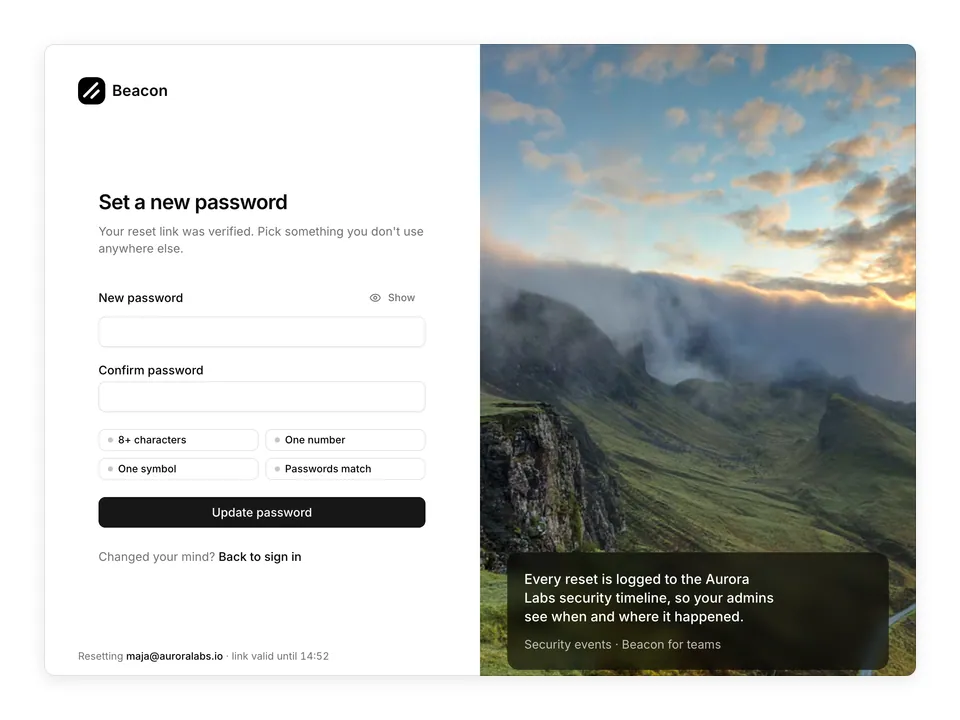
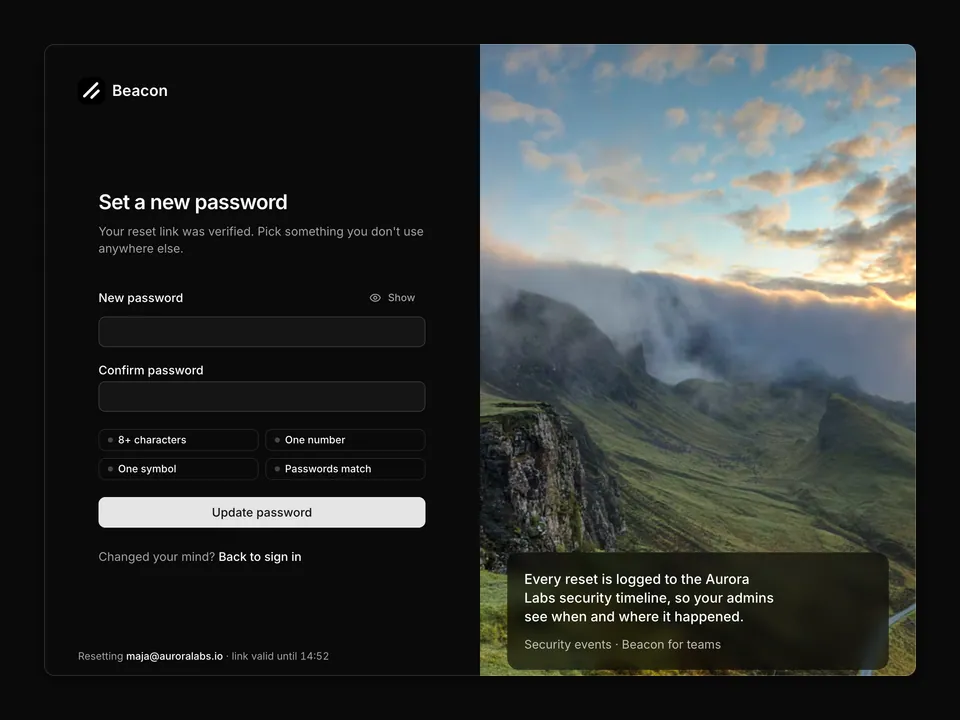
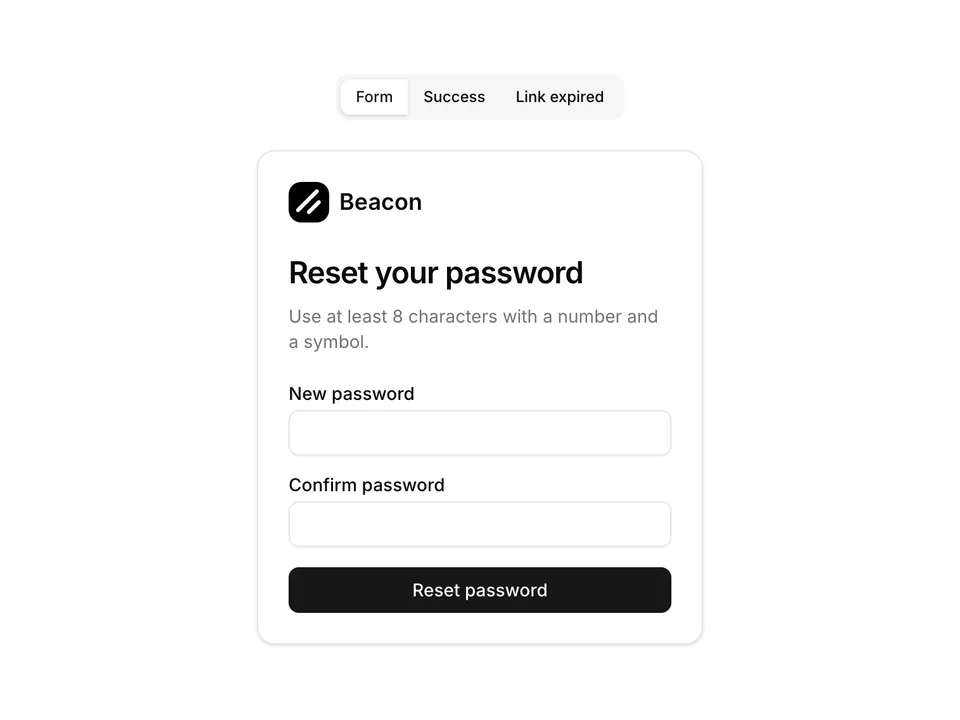
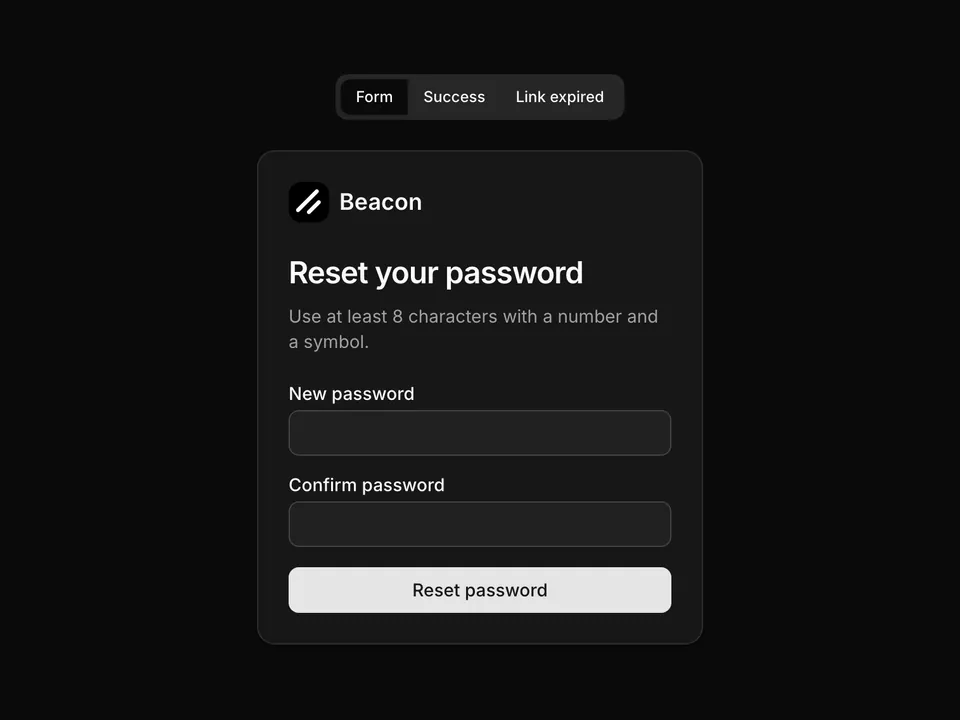
* Centred reset-password Card with new/confirm fields and show-hide toggles, a live requirement checklist driven by state and a four-segment strength meter coloured from destructive through chart-4 to chart-2.
*/
export default function ResetPassword01() {
const [password, setPassword] = useState('');
const [confirm, setConfirm] = useState('');
const [showPassword, setShowPassword] = useState(false);
const [showConfirm, setShowConfirm] = useState(false);
const rules = [
{ label: 'At least 8 characters', met: password.length >= 8 },
{ label: 'Contains a number', met: /\d/.test(password) },
{ label: 'Contains a symbol', met: /[^A-Za-z0-9]/.test(password) },
{ label: 'Both passwords match', met: password.length > 0 && password === confirm },
];
const score =
Number(password.length >= 8) +
Number(/\d/.test(password)) +
Number(/[^A-Za-z0-9]/.test(password)) +
Number(password.length >= 12 && /[A-Z]/.test(password));
const strength =
password.length === 0
? { label: 'Start typing', color: 'bg-border' }
: score <= 1
? { label: 'Weak', color: 'bg-destructive' }
: score <= 3
? { label: 'Fair', color: 'bg-chart-4' }
: { label: 'Strong', color: 'bg-chart-2' };
return (
<div className="w-full max-w-sm px-4 py-8">
<Card className="w-full">
<CardHeader>
<a className="mb-2 flex items-center gap-2" href="#">
<img alt="" className="size-8 rounded-lg object-cover" src="/logo.png" />
<span className="font-semibold text-foreground text-lg">Beacon</span>
</a>
<CardTitle className="font-semibold text-2xl tracking-tight">
Choose a new password
</CardTitle>
<CardDescription className="text-pretty">
You're resetting the password for{' '}
<span className="font-medium text-foreground">maja@auroralabs.io</span>.
</CardDescription>
</CardHeader>
<form onSubmit={(e) => e.preventDefault()}>
<CardContent className="space-y-5">
<div className="space-y-1.5">
<Label htmlFor="reset01-password">New password</Label>
<div className="relative">
<Input
autoComplete="new-password"
className="pr-10"
id="reset01-password"
name="password"
onChange={(e) => setPassword(e.target.value)}
type={showPassword ? 'text' : 'password'}
value={password}
/>
<Button
aria-label={showPassword ? 'Hide password' : 'Show password'}
aria-pressed={showPassword}
className="absolute top-1/2 right-1 size-7 -translate-y-1/2 text-muted-foreground"
onClick={() => setShowPassword((v) => !v)}
size="icon"
type="button"
variant="ghost"
>
{showPassword ? (
<EyeOffIcon aria-hidden="true" className="size-4" />
) : (
<EyeIcon aria-hidden="true" className="size-4" />
)}
</Button>
</div>
</div>
<div className="space-y-1.5">
<Label htmlFor="reset01-confirm">Confirm password</Label>
<div className="relative">
<Input
autoComplete="new-password"
className="pr-10"
id="reset01-confirm"
name="confirmPassword"
onChange={(e) => setConfirm(e.target.value)}
type={showConfirm ? 'text' : 'password'}
value={confirm}
/>
<Button
aria-label={showConfirm ? 'Hide password' : 'Show password'}
aria-pressed={showConfirm}
className="absolute top-1/2 right-1 size-7 -translate-y-1/2 text-muted-foreground"
onClick={() => setShowConfirm((v) => !v)}
size="icon"
type="button"
variant="ghost"
>
{showConfirm ? (
<EyeOffIcon aria-hidden="true" className="size-4" />
) : (
<EyeIcon aria-hidden="true" className="size-4" />
)}
</Button>
</div>
</div>
<div className="space-y-2">
<div className="flex items-center justify-between text-xs">
<span className="text-muted-foreground">Password strength</span>
<span
aria-live="polite"
className={cn(
'font-medium',
password.length === 0 ? 'text-muted-foreground' : 'text-foreground'
)}
>
{strength.label}
</span>
</div>
<div aria-hidden="true" className="grid grid-cols-4 gap-1.5">
{[0, 1, 2, 3].map((segment) => (
<span
className={cn(
'h-1.5 rounded-full transition-colors',
segment < score ? strength.color : 'bg-border'
)}
key={segment}
/>
))}
</div>
</div>
<ul className="space-y-2">
{rules.map((rule) => (
<li
className={cn(
'flex items-center gap-2 text-sm transition-colors',
rule.met ? 'text-foreground' : 'text-muted-foreground'
)}
key={rule.label}
>
{rule.met ? (
<CheckIcon aria-hidden="true" className="size-4 text-chart-2" />
) : (
<CircleIcon aria-hidden="true" className="size-4 text-border" />
)}
<span>{rule.label}</span>
<span className="sr-only">{rule.met ? ' – met' : ' – not met'}</span>
</li>
))}
</ul>
<Button className="w-full" type="submit">
Reset password
</Button>
</CardContent>
</form>
<CardFooter className="justify-center">
<a className="text-muted-foreground text-sm hover:text-foreground" href="#">
Back to sign in
</a>
</CardFooter>
</Card>
</div>
);
}