
 Free
Banners
Ready-to-use banner and announcement bar blocks for shadcn/ui. Promotional ribbons, alerts, and notification bars from the shadcn figma design kit.
shadcn/ui
ProReady-to-use banner and announcement bar blocks for shadcn/ui. Promotional ribbons, alerts, and notification bars from the shadcn figma design kit — install via CLI or customize in Figma.
1 block · 1 free
FreeReady-to-use banner and announcement bar blocks for shadcn/ui. Promotional ribbons, alerts, and notification bars from the shadcn figma design kit.
What the Banners blocks include, how to install them, and which ones are free.
One Banners block for shadcn/ui:
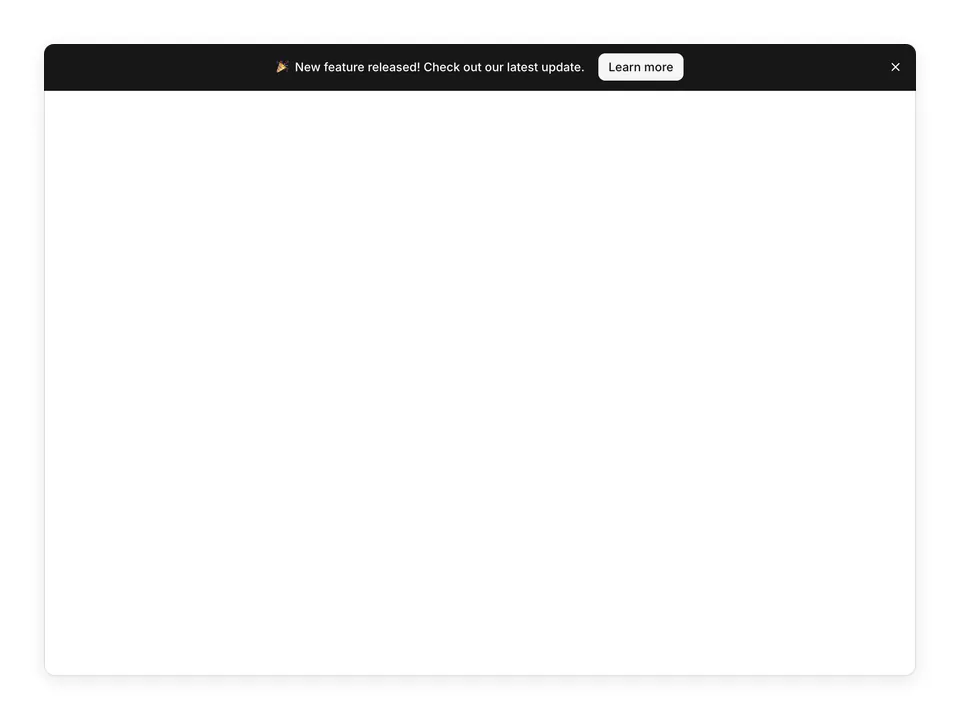
marketing-banners (free)Set up the shadcn/ui Pro registry in your project once, as described in Installation, then run npx shadcn@latest add @shadcnpro/marketing-banners. The block lands in components/blocks/marketing-banners.tsx together with the shadcn/ui components and npm packages it uses. marketing-banners is free, so it installs without a license key.
Yes. The Banners block is free: the code is on its page and it installs without a plan or license key.
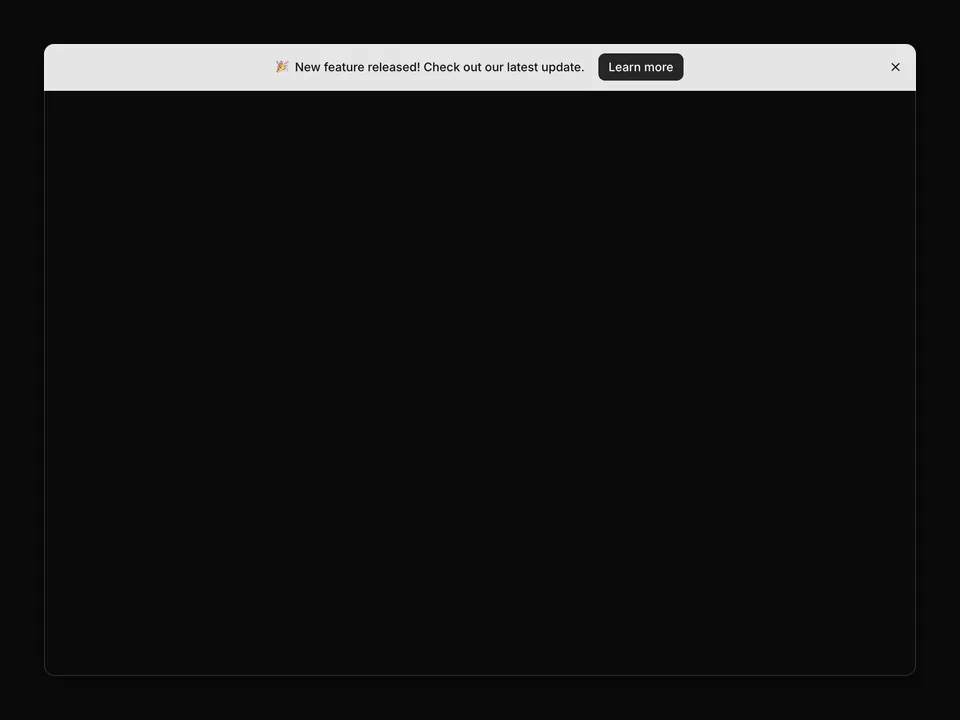
Yes. The Banners block uses semantic classes such as bg-background, text-muted-foreground and bg-primary, so it picks up your colors, radius and fonts and switches with dark mode. It is responsive from desktop to mobile; the width controls on each block's live preview let you check.
Yes. The Banners block has a matching design in the shadcn/ui Pro Figma kit, so designers and developers work from the same layout. The /shadcnpro-generate-code Agent Skill installs the block from the registry when it finds it in a Figma frame, instead of rebuilding it.
Yes. With the shadcn/ui Pro MCP server connected to Cursor, Claude Code or VS Code, describe what you need, for example "Use shadcnpro to add the Banners block (marketing-banners)." The agent finds the block with search_blocks, reads its install command and installs it after you approve.