'use client';

import { ArrowRightIcon, MapPinIcon } from 'lucide-react';
import { useState } from 'react';

import { Badge } from '@/components/ui/badge';
import { Button } from '@/components/ui/button';
import { cn } from '@/lib/utils';

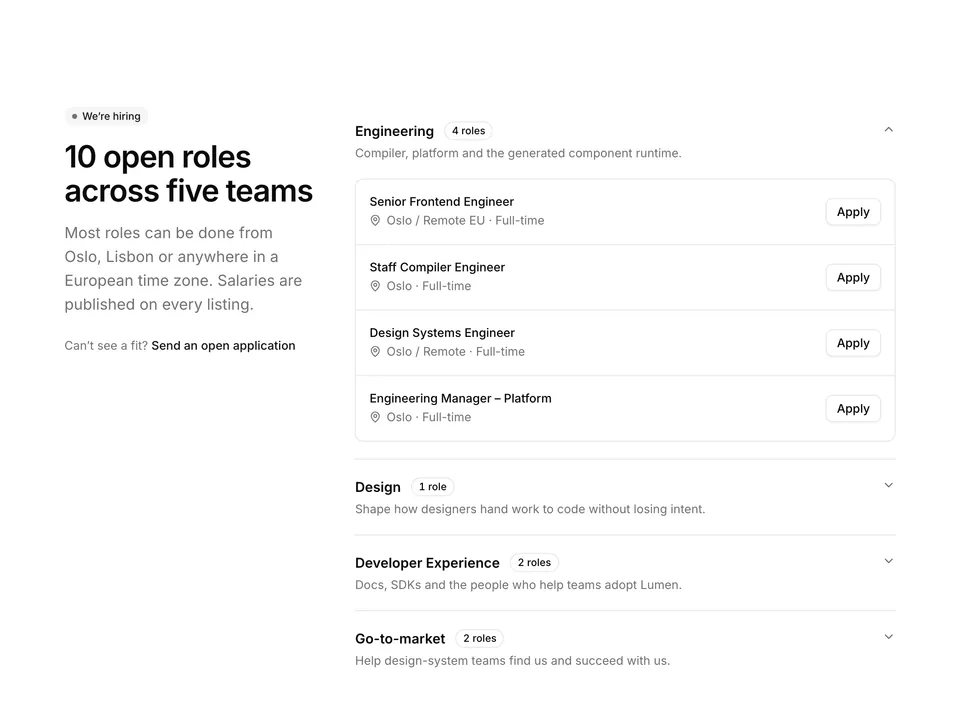
const roles = [
  {
    title: 'Senior Frontend Engineer',
    department: 'Engineering',
    location: 'Oslo / Remote EU',
  },
  {
    title: 'Product Designer – Code Generation',
    department: 'Design',
    location: 'Lisbon',
  },
  {
    title: 'Developer Advocate',
    department: 'Developer Experience',
    location: 'Remote',
  },
  {
    title: 'Staff Compiler Engineer',
    department: 'Engineering',
    location: 'Oslo',
  },
  {
    title: 'Customer Success Manager',
    department: 'Go-to-market',
    location: 'Lisbon',
  },
  {
    title: 'Technical Writer',
    department: 'Developer Experience',
    location: 'Remote',
  },
  {
    title: 'Design Systems Engineer',
    department: 'Engineering',
    location: 'Oslo / Remote',
  },
  {
    title: 'People Operations Partner',
    department: 'People',
    location: 'Oslo',
  },
  {
    title: 'Account Executive – DACH',
    department: 'Go-to-market',
    location: 'Remote',
  },
  {
    title: 'Engineering Manager – Platform',
    department: 'Engineering',
    location: 'Oslo',
  },
];

const departments = [
  'All',
  'Engineering',
  'Design',
  'Developer Experience',
  'Go-to-market',
  'People',
];

/**
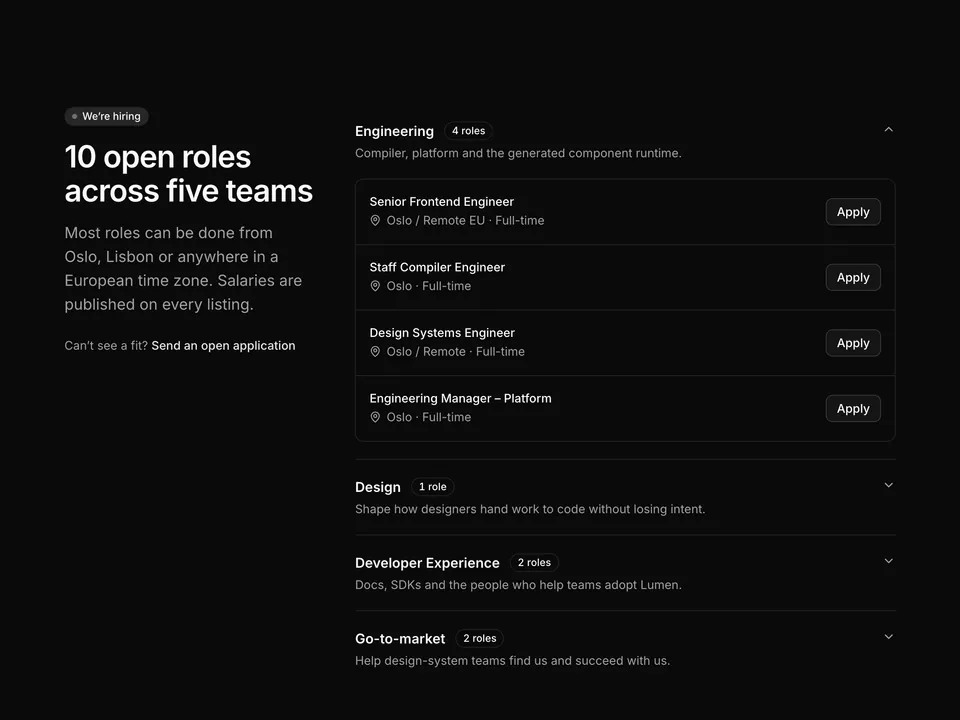
 * Open roles list: heading and lead, a row of department filter chips built from Buttons with counts, and a divided list of role rows (title, department Badge, MapPin location, type and ArrowRight) under a live count line.
 */
export default function Careers01() {
  const [active, setActive] = useState('All');
  const visible =
    active === 'All'
      ? roles
      : roles.filter((role) => role.department === active);

  return (
    <section className="w-full py-16 sm:py-24">
      <div className="mx-auto w-full max-w-4xl px-6">
        <div className="max-w-2xl">
          <p className="font-medium text-primary text-sm">Open roles</p>
          <h2 className="mt-2 text-balance font-semibold text-3xl text-foreground tracking-tight sm:text-4xl">
            Help us turn design files into shipped code
          </h2>
          <p className="mt-4 text-pretty text-lg text-muted-foreground">
            Lumen is 42 people across Oslo, Lisbon and eleven remote
            countries. Every role below is open today and reviewed by a real
            person within a week.
          </p>
        </div>

        <div className="mt-10 flex flex-wrap gap-2">
          {departments.map((department) => {
            const count =
              department === 'All'
                ? roles.length
                : roles.filter((role) => role.department === department)
                    .length;
            const selected = department === active;
            return (
              <Button
                aria-pressed={selected}
                className={cn('rounded-full', !selected && 'font-normal')}
                key={department}
                onClick={() => setActive(department)}
                size="sm"
                type="button"
                variant={selected ? 'default' : 'outline'}
              >
                {department}
                <span
                  className={cn(
                    'tabular-nums',
                    selected
                      ? 'text-primary-foreground/70'
                      : 'text-muted-foreground'
                  )}
                >
                  {count}
                </span>
              </Button>
            );
          })}
        </div>

        <p className="mt-8 text-muted-foreground text-sm">
          Showing{' '}
          <span className="font-medium text-foreground tabular-nums">
            {visible.length}
          </span>{' '}
          of{' '}
          <span className="font-medium text-foreground tabular-nums">
            {roles.length}
          </span>{' '}
          open roles
        </p>

        <ul className="mt-3 divide-y border-y">
          {visible.map((role) => (
            <li key={role.title}>
              <a
                className="group -mx-3 flex items-center gap-4 rounded-lg px-3 py-5 outline-none hover:bg-muted/60 focus-visible:ring-[3px] focus-visible:ring-ring/50"
                href="#"
              >
                <div className="min-w-0 flex-1">
                  <div className="flex flex-wrap items-center gap-x-3 gap-y-1">
                    <h3 className="font-semibold text-foreground">
                      {role.title}
                    </h3>
                    <Badge variant="secondary">{role.department}</Badge>
                  </div>
                  <div className="mt-1.5 flex flex-wrap items-center gap-x-4 gap-y-1 text-muted-foreground text-sm">
                    <span className="inline-flex items-center gap-1.5">
                      <MapPinIcon aria-hidden="true" className="size-4" />
                      {role.location}
                    </span>
                    <span>Full-time</span>
                  </div>
                </div>
                <ArrowRightIcon
                  aria-hidden="true"
                  className="size-5 shrink-0 text-muted-foreground transition-transform group-hover:translate-x-0.5 group-hover:text-foreground"
                />
              </a>
            </li>
          ))}
        </ul>
      </div>
    </section>
  );
}